Clean Web Clipper
Clean Web Clipper did not work on a site you need
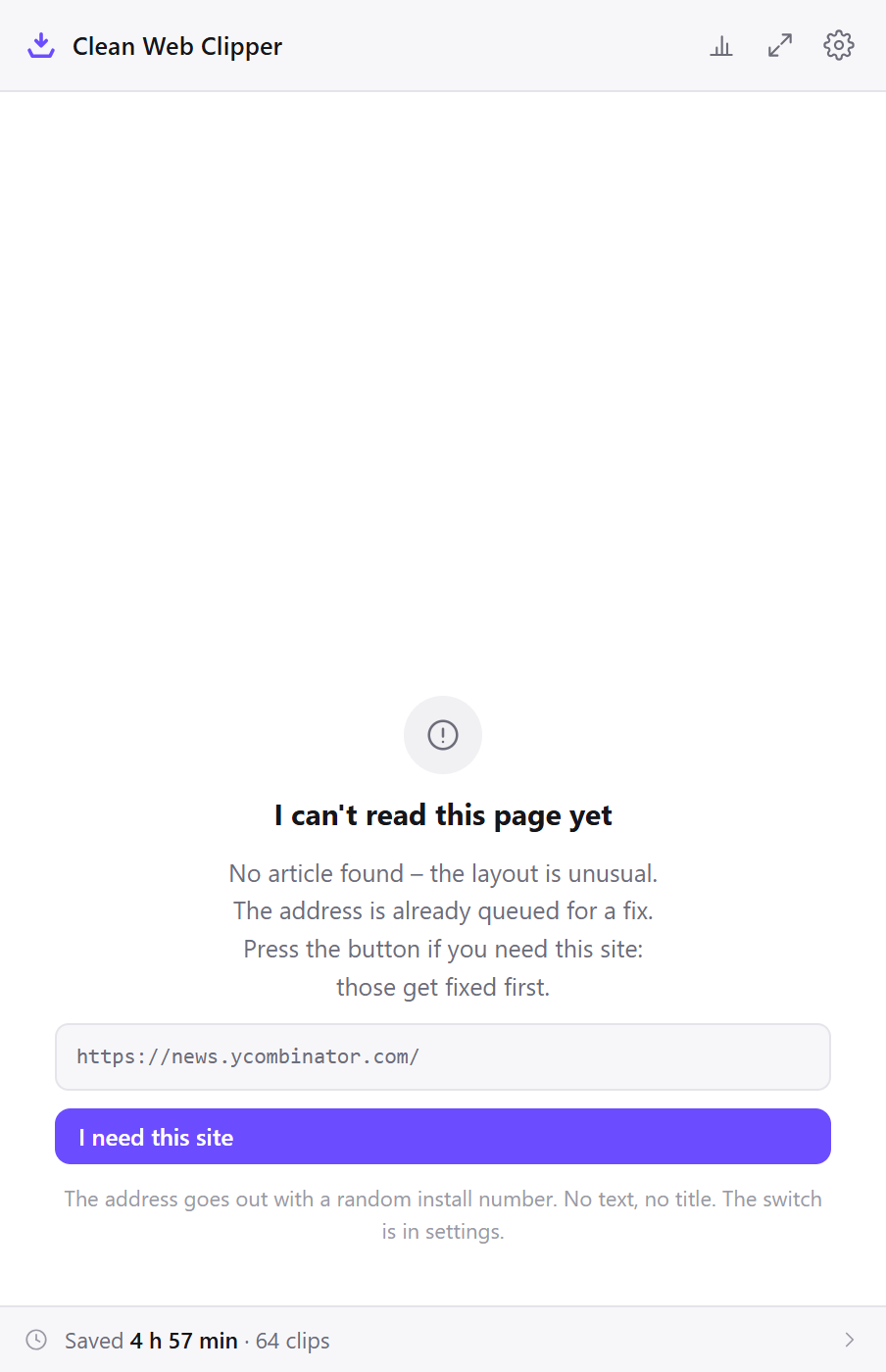
When Clean Web Clipper did not work on a site, most of the time the extension found no article on the page and said so rather than saving a menu. Sometimes it is a real gap in the extraction. Either way, the address of the page is what we need to fix it.
What does “no article” mean?
The extension checks the finished Markdown. If more than a quarter of it sits inside link labels, the page is a feed, a storefront or a search result rather than an article, and it refuses instead of handing you a page of links. On a real article that refusal is a bug, and it is the kind that gets fixed first.
The threshold and the steps before it are on how the extraction works.
How do I send the address of a page that failed?
Press “I need this site” on the refusal screen, or email the page address to cws@lessroutinemorelife.com.
- On the refusal screen, press “I need this site”. The address of that page is queued for a fix, and the addresses people press this button for are looked at first. No text and no title are sent with it.
- Or write to cws@lessroutinemorelife.com with the address and a sentence about what you expected to get.
- If extraction worked but the note came out wrong, say what was missing – a table, the code, the date – or attach the note.
Check the pages that are known not to clip
These are not bugs being hidden. They are what an extension cannot do from inside a browser tab, or does not do yet.
- Pages still rendering. A single-page app that has not finished drawing the article gives the extension nothing to read. Wait for the text to appear, then clip. When the page carries its article in structured data, that is used instead and marked as
jsonld-articlebody. - Paywalls and logins. The extension reads what your browser shows. Behind a login you do not have there is nothing to clip; when you are logged in, the page clips like any other.
- Code editors embedded in the page. Editors such as CodeMirror and Monaco draw only the lines on screen, so a long snippet shown in one can come out cut short.
- PDF files. A PDF opened in the browser is not an HTML page and cannot be clipped.
- Pages the browser protects –
chrome://addresses and the extension store, where no extension may run.
Does a store review help?
No. A store review is not read as a bug report and carries no page address, so nothing can be fixed from one.
The two routes that reach the fix queue are the “I need this site” button on the refusal screen and an email with the address to cws@lessroutinemorelife.com; the questions page covers what is sent with each.