When the clipper broke · · ·
Evernote Web Clipper stopped working
Evernote Web Clipper stopped working after years of service: you click the icon and nothing happens, or the wheel spins on “saving your clip…” until you give up. Here: what to check on your side, what the reviews say about the wait, and Clean Web Clipper, whose clip is finished once the file is written.
What are the three shapes this takes?
The clip hangs. The panel opens, you press save, and the spinner runs forever. Reviews suggest the clip has been handed to Evernote’s service and the confirmation never comes back, so you cannot tell whether it saved.
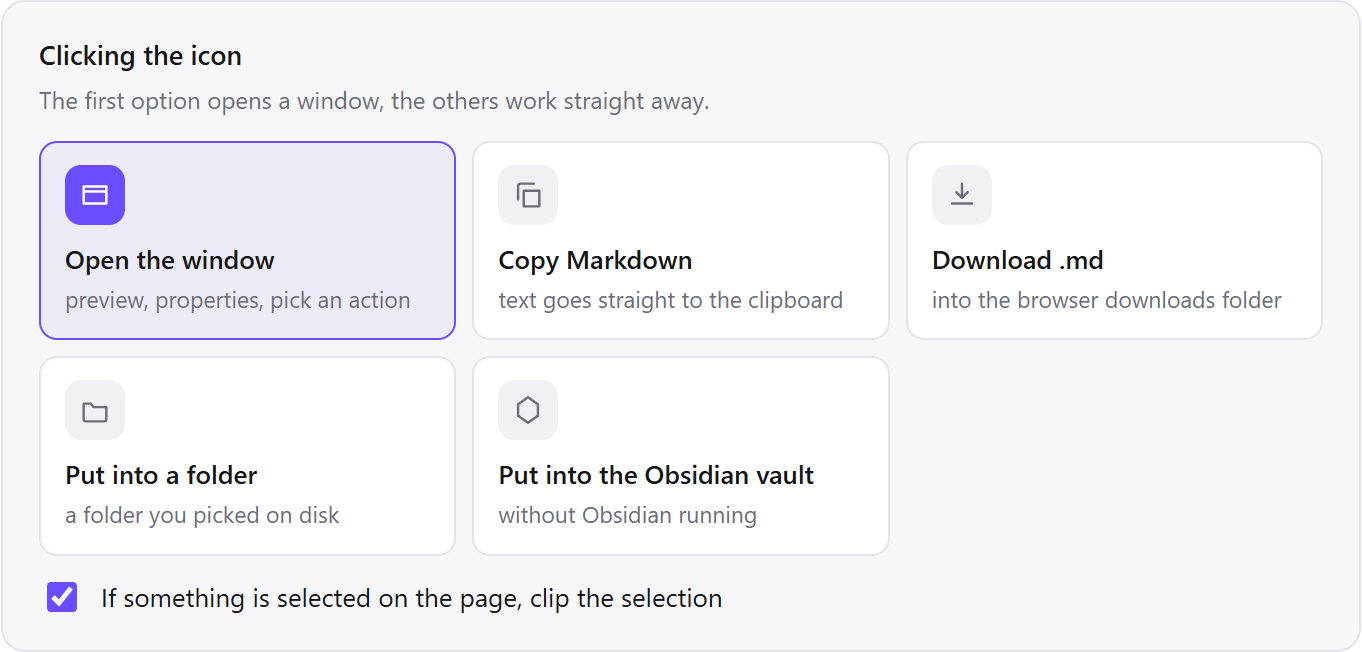
The icon does nothing. Clicking it opens no panel at all. This is usually the extension failing to attach to a tab that was already open when the extension was installed, updated or reloaded, and it is the one shape you can often fix yourself: reload the page and click again.
It saves, but into the wrong place, or into a notebook you are not looking at. This is not a bug, and it is the reason a clip sometimes seems lost when it is not.
What do people report, word for word?
Chrome Web Store reviews, unedited. Note the dates: this is not a single bad release.
Web clipper stopped working, the same as for many-many customers.
It freezes when attempting to use it, and the wheel spins "saving your clip…"
No longer works. Have tried removing it and reinstalling with no luck.
Did it stopped working? I removed and added again and not opening.
Source: Chrome Web Store reviews of Evernote Web Clipper, collected 5 September 2026. Across the whole history the card shows 4.73 stars from 129,105 ratings; the last hundred reviews average 2.49, and 62% of them are one or two stars (snapshot of 5 September 2026).
What should you try, in order?
The first two are quick and cover the most common cause. The rest narrow the problem down to your account, your browser or the service.
- Reload the page and click again. An extension cannot reach into a tab that was already open when it was installed or updated. This alone explains a lot of dead icons and costs nothing to rule out.
- Open
evernote.comin the same browser and check you can still sign in. The clipper saves into your Evernote account, as its store listing says, so if the account itself cannot be reached, no clip will land either. - Check your plan and the devices signed in to it. Evernote’s plan comparison lists 1 device on Free, 3 on Starter and unlimited on Advanced (checked 16 September 2026). Whether that limit touches the clipper is for Evernote support to confirm; the page does not say.
- Look inside the notebook before deciding the clip is lost. A clip that seemed to hang has often arrived already, and clipping it again just gives you two.
- Disable other extensions and try once. Content blockers and privacy extensions can block the request the clipper makes at the moment of saving.
- Try in a new Chrome profile with only the Evernote clipper installed (extensions do not run in a guest window). If it works there, the problem is in your profile; if it fails there too, the problem is on the service side and no local fix reaches it.
Why has waiting not worked?
Waiting has not worked because the Evernote Web Clipper failure is not a one-off outage. The store reviews quoted on this page date from 2024, some of them describe the failure as already months old at the time of writing, and the pattern in the ratings supports that reading.
The card carries 4.73 stars, which is what you see before installing. The last hundred reviews average 2.49, and 62% of them are one or two stars (Chrome Web Store reviews, snapshot of 5 September 2026). The card’s oldest reviews date from 2009, and 129,105 ratings in total are averaging out the current state, so the visible rating tells you what the extension used to be, not what it is now.
The underlying reason is the same one every hosted clipper has: the clip is not finished when you press the button. It is finished when a server somewhere accepts it. Every part of that path can fail, and none of it is under your control.
Get a clip that is finished once the file is written
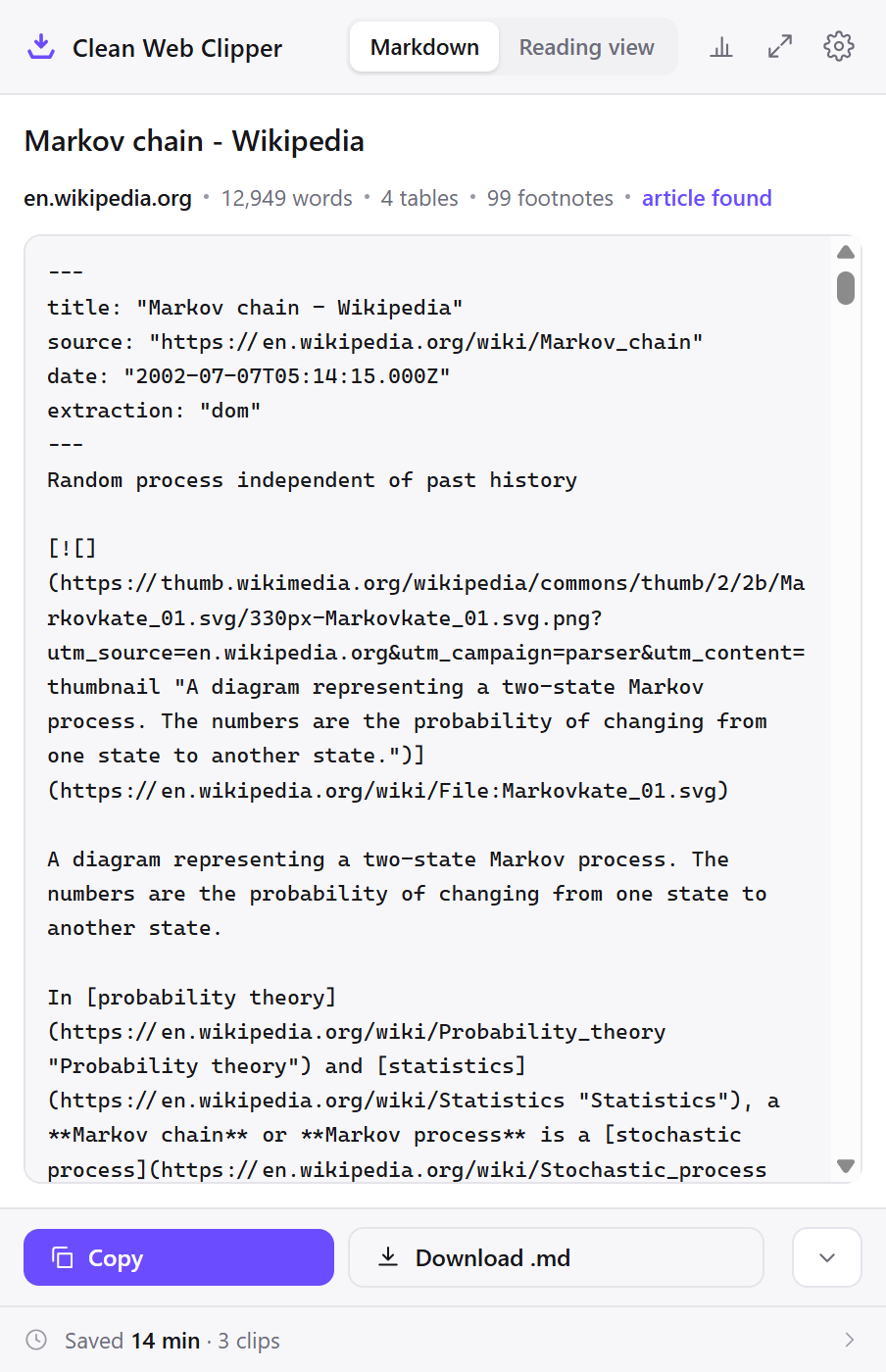
Clean Web Clipper writes the file and stops. There is no upload, no confirmation to wait for, and no spinner that can run forever, because there is no second machine involved. The extraction itself is measured on 512 pages.
- No account and no session, so nothing lapses and nothing has to be renewed.
- The note is a
.mdfile in a folder you chose. You can see it in the file manager as soon as it is written. - No device limit, no plan, no page count. All of it is free.
- Works on pages behind your own login, because it reads the tab you are looking at.
- If the name is taken, the file becomes
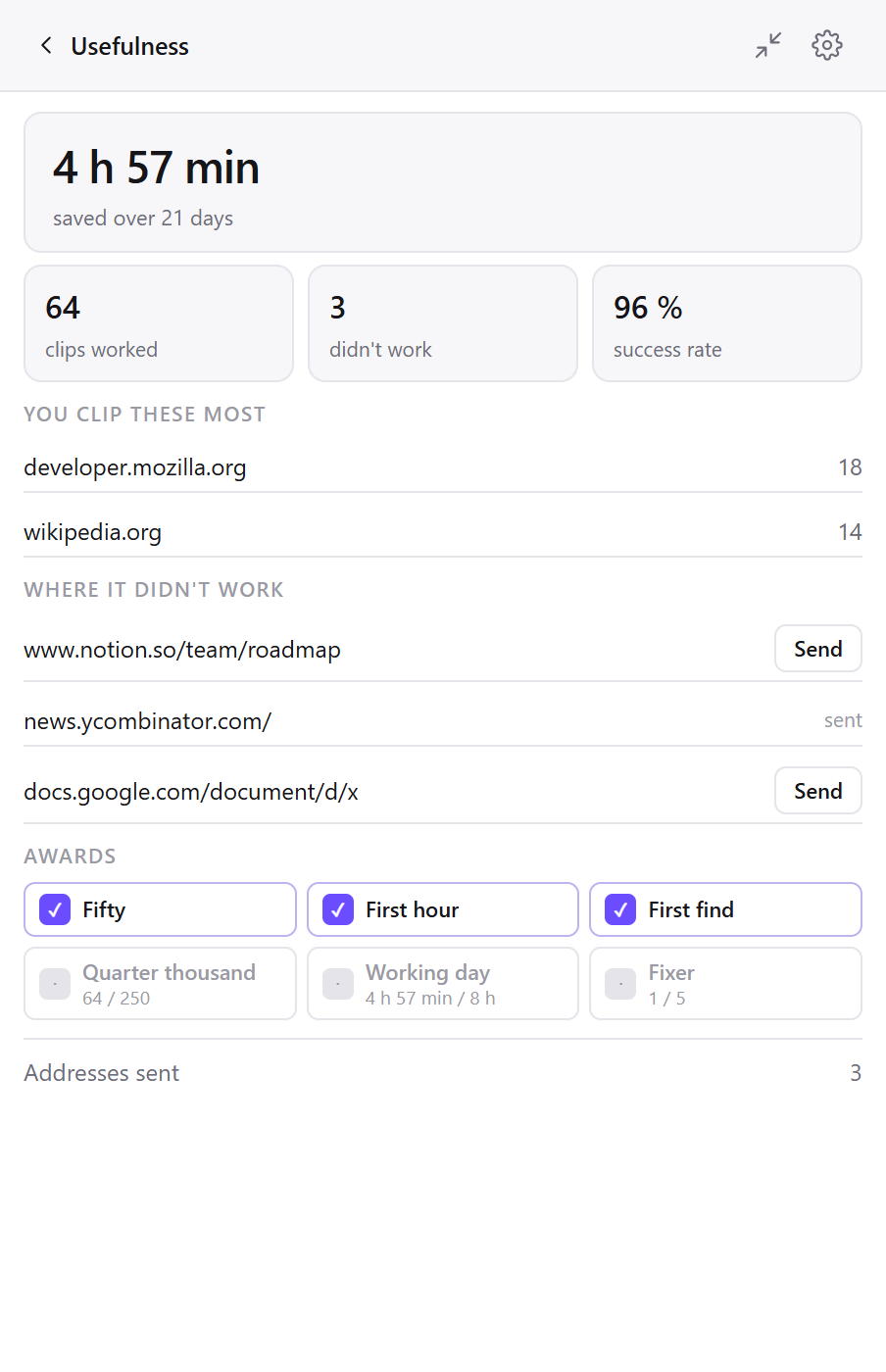
Article-2.md(through Downloads, in a browser without a folder picker, “(1)” is added instead), so a second clip does not replace the first. - The Usefulness screen in the clip window counts clips that worked and clips that didn’t, and the report under “How you use it” in settings lists clicks against notes, so a silent gap is visible instead of invisible.
How do the two designs compare, side by side?
A comparison of construction, not of quality. Evernote does a great deal that Clean Web Clipper does not, and the next section lists it.
| What happens | Evernote Web Clipper | Clean Web Clipper |
|---|---|---|
| When the clip is finished | When it reaches your Evernote account, per its store listing | When the file is written |
| What saving needs | An Evernote account, per its store listing | Nothing: no account, works offline |
| Free plan limits | 1 device on Free, per Evernote’s plan page (checked 16 September 2026) | None: everything is free |
| Where the clip lives | A note in your Evernote account, per its store listing | A .md file on your disk, plain text |
What do you give up by switching?
Evernote is a notes system; this is a converter that writes files. If any of the following is why you use the clipper, keep using it.
What Evernote does is taken from its Chrome Web Store listing (snapshot of 5 September 2026) and plan page (checked 16 September 2026).
- Sync across devices. Files land in one folder on one computer.
- Tags, notebooks and search across your whole account.
- Clipping PDFs and saving a page as a bookmark with its URL, images and description.
- Screenshots, full-page or of just the part you want, with highlights, text and other annotations. Clean Web Clipper writes text, not images of pages.
- Anything to do with your existing Evernote archive. This extension does not read it, import it or convert it.
How do you move, if you decide to?
None of this requires the old clipper to be working again first.
- Install Clean Web Clipper and pick a folder in its settings.
- Clip one page and open the resulting file. Decide from the actual output, not from a description of it.
- If you use Obsidian, point the folder at the vault. The file appears there whether Obsidian is running or not.
- Leave Evernote installed while you decide. The two do not interfere with each other.
- Export your existing notes through Evernote itself if you want them out. That is a separate job and this extension has no part in it.
Why does the spinner keep happening?
Reviews suggest the spinner keeps happening because the clip is handed to Evernote’s service and the extension waits for a confirmation that does not come back – an inference, not something seen in Evernote’s code. Reviews from across 2024 describe it, so it is not a single bad release.
Is the Evernote clipper broken for everyone?
My clip spun forever. Did it save?
Why did it work yesterday and not today?
Does a paid subscription help?
What does Clean Web Clipper offer instead?
Clean Web Clipper offers a clip that is finished once the Markdown file is written: no account, no server to wait on, free in full. It does not import your existing Evernote notes.