Who it is for · ·
Turn a reading list into notes you keep
Clean Web Clipper turns a reading list into notes, Markdown files that outlive the course: links rot, module pages are archived and seminar readings move, but a file on your own disk does not. It opens in any editor a decade from now, source URL still inside it.
Where these numbers come from: the benchmark, with engine versions and dates
What happens after the term ends?
Halfway through revision you follow your own bookmark and get a login wall, a redirect to this year’s module, or a plain 404. The reading you did in October is gone and what you have instead is a title and a broken link. A bookmark is a pointer, and a pointer is only as durable as the thing it points at – and university pages get moved, locked and archived.
The fallback most people reach for is worse – screenshots in a phone gallery and a document of pasted text with the site’s menu wrapped around every quote. None of it is searchable, none of it says where it came from, and none of it can be cited in an essay without going back to find the source again, assuming the source is still there.
And the reading is never in one place to begin with. Some of it is on the learning platform, some behind the library proxy, some on a publisher’s site, some in a shared drive a seminar leader set up in second year. Each has its own login, and every one of those logins is switched off some months after you graduate. A folder of .md files on your own disk is the only copy that does not have an expiry date attached to your student number.
What do you end up holding?
- Select a passage and only the selection is clipped – the way to take one definition without the page around it.
- Every note carries the source URL, so citing it later takes no searching.
- A reading view shows the clip as ordinary text, without Markdown symbols, before you save it.
- Works with Obsidian or a plain folder of
.mdfiles – and with no app at all, since they are text. - Pages behind your university login clip like any other, because the extension reads what your browser already rendered.
- All of it is free: no student plan to prove, no trial, no account.
- Reading lists and deadline tables come across as tables, serialised by the extension itself. The measured figure – 12 of 15 tables kept, against 7 for Defuddle and Mozilla Readability – comes from 9 technical pages in a separate pre-release check (August 2026), not from course pages.
- No clip is uploaded and no account exists, so there is no sign-in for your university’s IT rules to have an opinion about.
---
title: "1.1 What Is Psychology? - Psychology 2e | OpenStax"
source: "https://openstax.org/books/psychology-2e/pages/1-1-what-is-psychology"
author: "Rose M. Spielman"
date: "2020-04-21T21:00:00.000Z"
extraction: "dom"
---
### Learning Objectives

By the end of this section, you will be able to:

-   Define psychology
-   Understand the merits of an education in psychology

What is creativity? What are prejudice and discrimination? What is consciousness? The field of psychology explores questions like these. Psychology refers to the scientific study of the mind and behavior. Psychologists use the scientific method to acquire knowledge. To apply the scientific method, a researcher with a question about how or why something happens will propose a tentative explanation, called a hypothesis, to explain the phenomenon. A hypothesis should fit into the context of a scientific theory, which is a broad explanation or group of explanations for some aspect of the natural world that is consistently supported by evidence over time. A theory is the best understanding we have of that part of the natural world. The researcher then makes observations or carries out an experiment to test the validity of the hypothesis. Those results are then published or presented at research conferences so that others can replicate or build on the results.
Set it up for a term
Do this in the first week and the rest of the term costs one keystroke per reading. The part worth getting right on day one is where the files land.
- Make one folder for your studies,
Uni, with a subfolder per module inside it. Doing this before the first clip is what stops the folder turning into two hundred files with no order. - Right-click the extension icon, open Options, and in Where to save set Folder on disk to
Uni. The browser asks whether the extension may write there; if Chrome later resets that access, the extension asks you to pick the folder again. - Set the filename template to
{date}-{title}.{date}is the publication date when the page declares one and the day you clipped when it does not, so the folder ends up in date order – which at revision time is more useful than alphabetical order. - Add a per-site rule for your learning platform – its domain goes to
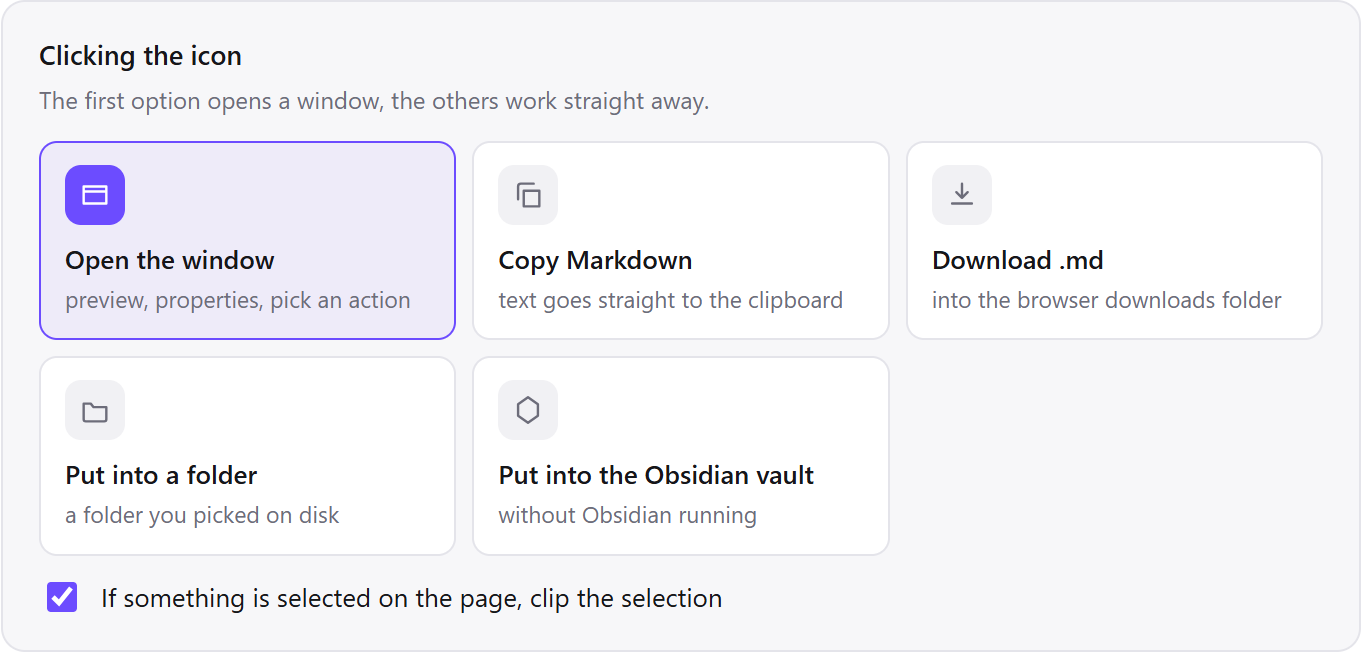
Uni/module, and the library or publisher domain goes toUni/readings. After that, clips sort themselves. - Leave the icon click as the preview window. The window marks a clipped selection and offers the whole page instead, and selection clipping is the habit worth building.
- To take one definition rather than a chapter, select it on the page first, then click. The window opens showing the selection, and a strip at the top says the selection was taken.
- For a reading you would rather have on paper, use Print in the clip window. It is in the More actions menu next to the main buttons; to keep it on the button bar, switch it on in the settings, under “Buttons in the clip window”. It prints the cleaned text and writes no file.
Which settings suit a course?
The student settings differ from the defaults in one direction – everything here is about finding the file again in April, when the module page has been archived and you have four essays due.
| Setting | Value | Why this value here |
|---|---|---|
| Where to save | Folder Uni, one subfolder per module | Revision is per module; a single flat folder is a search, not a reading list |
| Filename template | {date}-{title} | Puts the folder in date order: the publication date where the page declares one, the clip day where it does not |
| Per-site rule | Learning platform → Uni/module | The platform is where the admin material is; the readings belong elsewhere |
| Icon click | Preview window | Selection clipping only makes sense if you can see what you selected |
| Properties | source, published and author on | These three lines are the citation you will need at eleven at night in April |
| Images | Keep as links | Diagrams are often the point of a science reading; a link at least records that one existed |
| Shortcut | Alt+Shift+M | A reading you clip in one keystroke is a reading you actually clip |
---
title: "Calendar | Introduction to Algorithms | Electrical Engineering and Computer Science | MIT OpenCourseWare"
source: "https://ocw.mit.edu/courses/6-006-introduction-to-algorithms-spring-2020/pages/calendar/"
extraction: "dom"
---
| Week | Lectures | Recitations | Problem Sessions | Key Dates |
| --- | --- | --- | --- | --- |
| 1 | Lecture 1: Introduction Lecture 2: Data Structures | Recitation 1 Recitation 2 | Problem Session 1 | Problem Set 0 Due |
| 2 | Lecture 3: Sorting Lecture 4: Hashing | Recitation 3 Recitation 4 | Problem Session 2 | Problem Set 1 Due |
| 3 | Lecture 5: Linear Sorting | Recitation 5 | Problem Session 3 | Problem Set 2 Due |
| 4 | Lecture 6: Binary Trees, Part 1 Lecture 7: Binary Trees, Part 2: AVL | Recitation 6 Recitation 7 | Problem Session 4 | Problem Set 3 Due |
| 5 | Lecture 8: Binary Heaps Lecture 9: Breadth-First Search | Recitation 8 Recitation 9 | Quiz 1 Review | Problem Set 4 Due Quiz 1 Review |
See three moments in a term
The same habit pays off at three different moments: clipping one definition instead of a whole chapter, searching a term’s readings offline on a train, and assembling a reference list from files at eleven at night before a deadline. None of them needs the module page to still exist, or the wifi to be on.
One definition, not the whole chapter
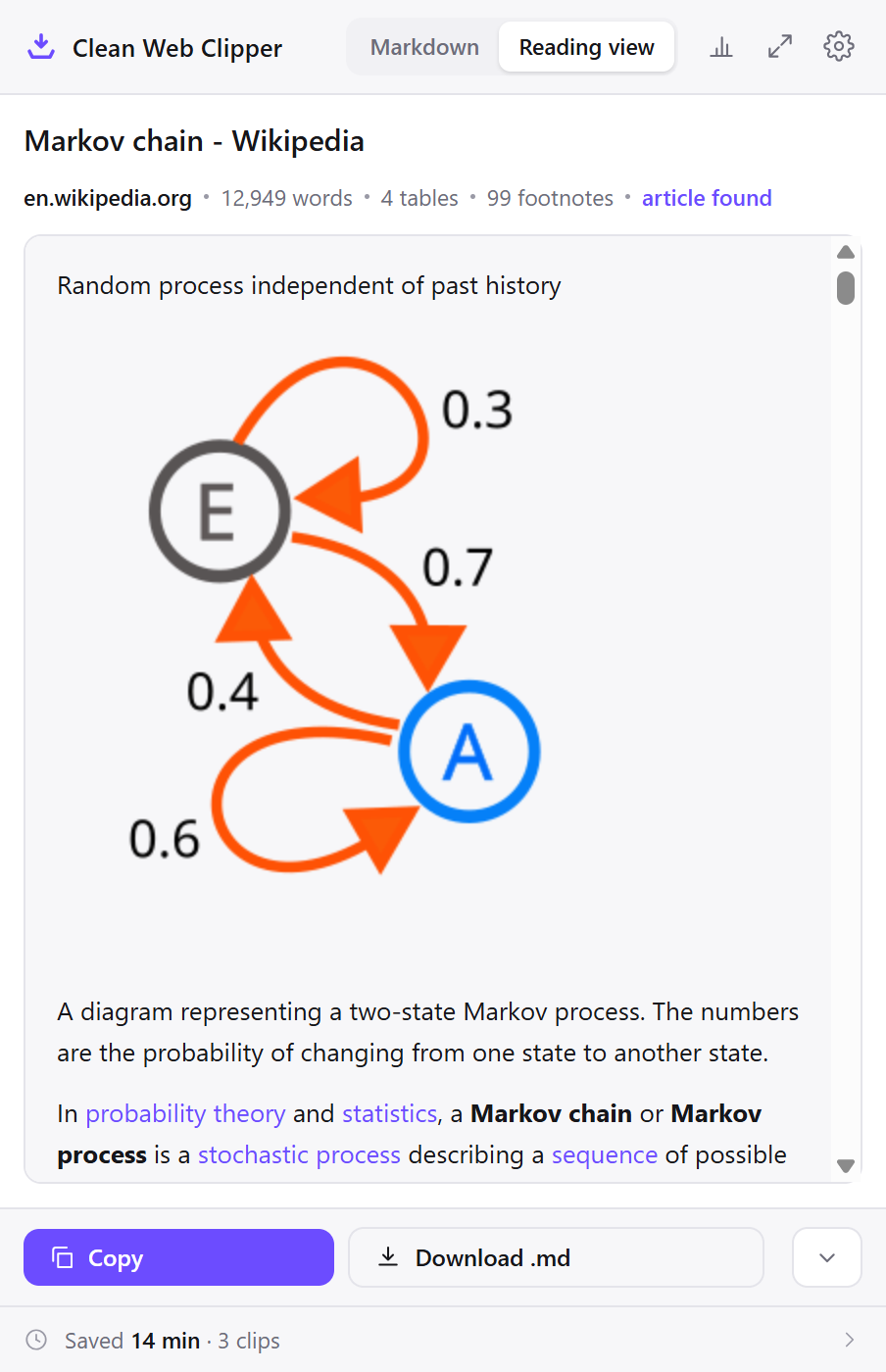
A seminar reading defines a term in a single paragraph and you want that paragraph, not the nine screens around it. You select it, click the icon, and the window opens with the selection already showing. A strip at the top confirms the selection was taken, with a button for the whole page.
Saved that way, the note is one paragraph with the source URL above it. Pasting the same paragraph out of the browser would have brought the site’s furniture with it, and pasting it into an essay later would have brought that furniture into the essay.
Revision on a train with the wifi off
Everything for the module is .md text in one folder, so the search box in any editor covers a term’s reading in one query. There is no page to load, no login to renew and no connection needed, because the words are already on the disk in front of you.
This is the part that a bookmark cannot do at all. A bookmark is a pointer, and a pointer without a network is nothing; the same is true of a link to a library record whose proxy session expired an hour ago.
Citations at eleven at night
The essay is written, the references are not. Each clipped file has the source URL and the publication date in the first four lines, so the reference list is assembled from files on your disk rather than from browser history that was cleared in December.
Where a page published no date, there is no date line rather than one filled with the day you clipped it. That is deliberate – an invented date in a reference list is the sort of error that is discovered by the person marking it.
How does it compare to how it is usually done?
Everyone doing a degree has tried at least three of these. The differences show up in April rather than in October.
| How it is done now | What you get | What it costs |
|---|---|---|
| Bookmark the reading | A link, in one click | Module pages get archived or locked; the link can outlive the page |
| Screenshot on your phone | Exactly what was on screen | Not searchable, no URL inside it, and unusable as a citation |
| Copy into a document | The words | The site’s menu comes with them, and the source line does not |
| Download the PDF or the slides | The file the lecturer uploaded | Only works where a file is offered; web-only readings are most of the list |
| Clean Web Clipper | A searchable .md file with the URL and date inside | Web pages only. It does not convert PDFs or slide decks |
What happens when a reading will not clip?
Four causes cover nearly every stuck reading: the material is a PDF rather than an HTML page, the tab was still showing a login screen, the page clipped was an overview rather than the reading itself, or the text loads further down as you scroll. Each is fixable before you clip again.
The reading is a PDF and nothing happens
The extension converts the rendered HTML of a page, and a PDF opened in the browser’s viewer is not that. Where a reading exists in both forms – many journals and most open textbooks – clip the HTML version. For a PDF-only reading, keep the PDF and clip the module page that lists it, so at least the context and the URL are recorded.
It clipped the login page instead of the reading
The tab was showing the login screen, or the platform redirected before the page finished loading. Log in, make sure the reading itself is on screen, then clip. The extension reads what your browser has already rendered for your session, so anything you can actually see clips normally – including everything behind the library proxy.
The module page came out as a list of links
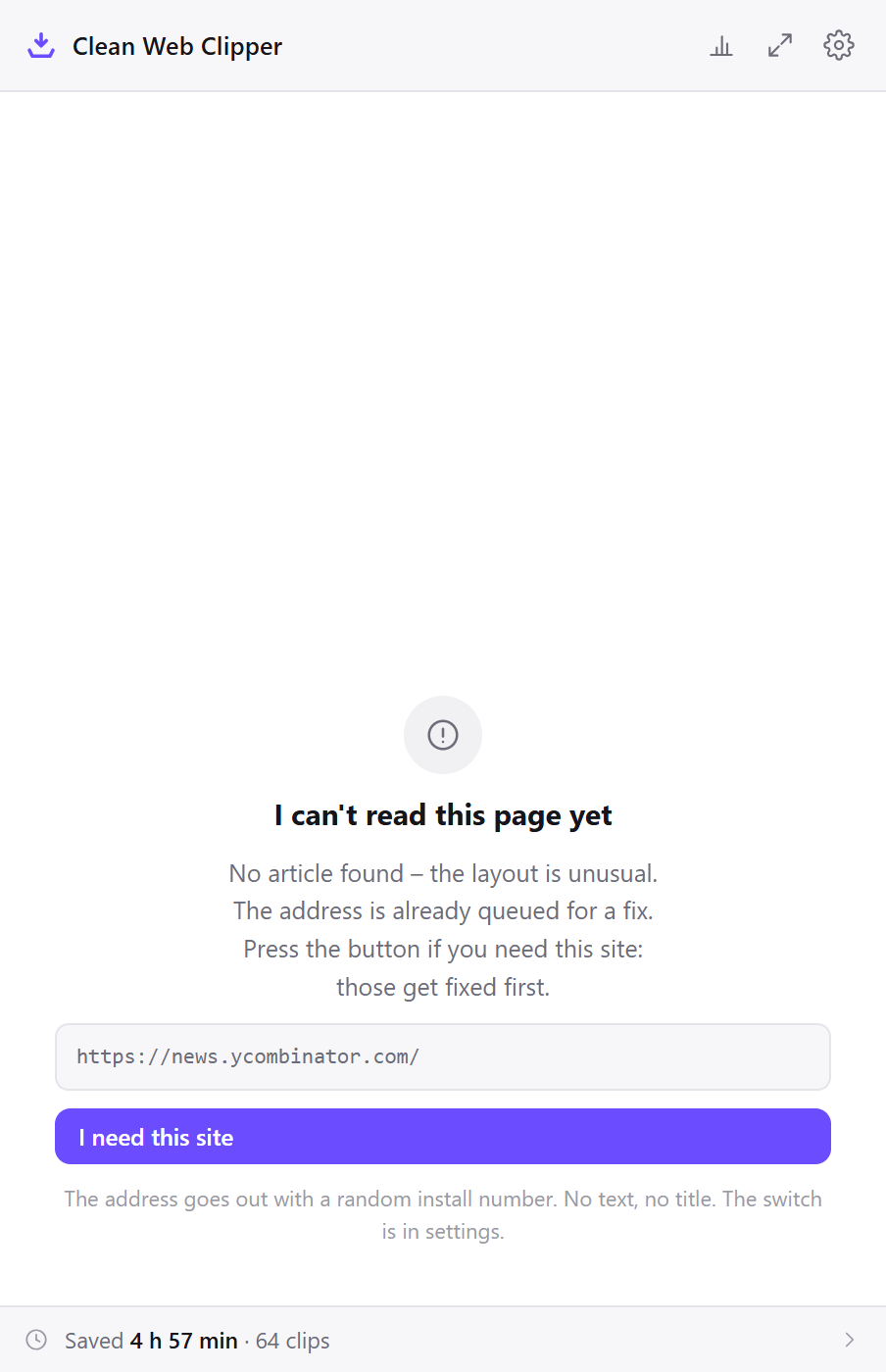
A module page made of links is not returned as a list – the extension will have reported “no article”. A module overview is mostly link labels, and when more than about a quarter of the extracted characters sit inside links the page is refused rather than returned as a page of entries. Open the individual reading and clip that.
Only the first part of the reading came through
Either the page loads more text as you scroll (scroll to the bottom first, then clip) or the reading is displayed inside an embedded viewer, which is a separate document sitting in the page rather than part of it. Clipping the page around an embedded viewer does not reach inside it.
What will it not do for you?
Clean Web Clipper does not download PDFs or slide decks; it converts the HTML page you are looking at. Formulas rendered as images stay image links, so a maths-heavy page loses those unless you keep images on. It does not summarise, translate or make flashcards. The text is converted, not rewritten. And it clips one page at a time – there is no button that swallows a whole reading list.
How the extension converts the HTML page you are looking at is covered on its own page.
What can it save, and where?
Can I clip just one paragraph? Yes. Select the text before you click the icon and only the selection is saved. When a selection was taken, a strip at the top of the window says so and offers the whole page instead.
Will the formulas survive?
Does it work on my university’s learning platform?
Do I need to pay for anything?
Can I read the notes on my phone?
.md text files. Any sync tool and any text editor opens them, and Obsidian’s mobile app reads the same vault.Can I print a reading instead of saving it?
What about privacy and sharing?
Can my university see what I clip? Not what you clip. The extension holds no account and never uploads the text or title of a page, so what you saved stays on your own computer. What it does send, and only to our statistics server, is the bare domain of a successful clip, the address of a page it failed to convert, which extension screens you open, which action you take with a clip (copy, file, folder, Obsidian vault, print, AI chat – without the page address) and a random install number; the server works out an approximate location – country, region and city – from the IP address, and one switch in settings stops all of these events.