Who it is for · ·
Web page to Markdown for ChatGPT, minus most site menus
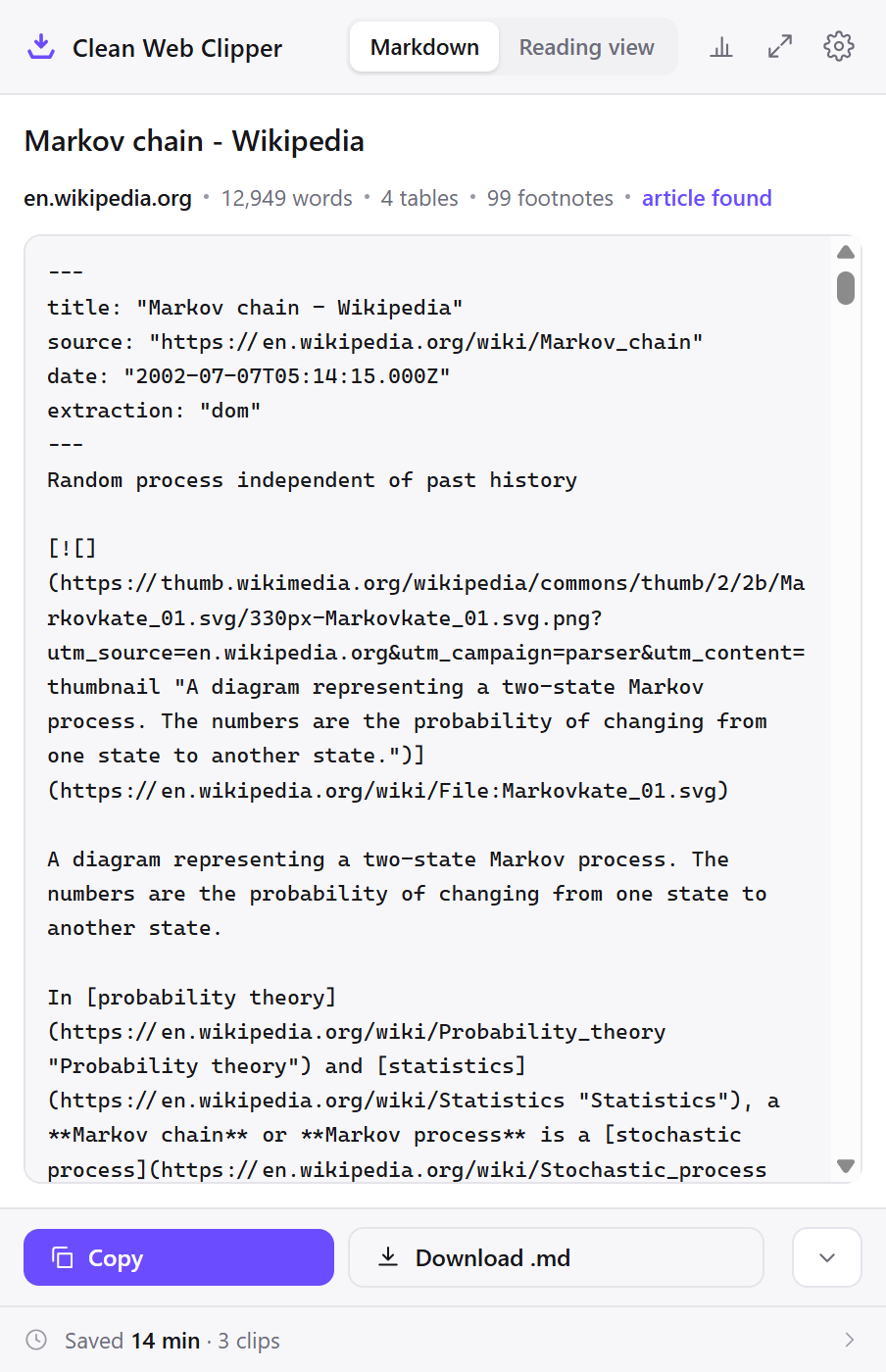
Clean Web Clipper converts a web page to Markdown for ChatGPT and leaves most of the menus behind. On a 109-page head-to-head run it left 102 duplicated navigation lines where three other extraction engines left 282, 478 and 491, and no leftover HTML tags. The model gets the article plus a header naming the source URL and the publication date.
Where these numbers come from: the benchmark, with engine versions and dates
What does a pasted page really cost?
Copy a documentation page out of the browser and into a chat and you send the model the cookie notice, the sidebar, the version picker, the “on this page” rail, four columns of footer links and a “read next” strip. Every one of those lines is tokens you pay for, and every one competes for attention with the two paragraphs you wanted read.
The second cost is subtler – repeated navigation looks like structure. A model asked to summarise the page will list menu items as topics, and asked where a claim came from it will point at a link label. Stray div and table markup left behind by a careless converter adds one more layer the model has to parse around before it reaches a sentence.
The second paste is where it starts to cost. A conversation gets long, the history is trimmed, and you paste the page again – except the page has changed since the morning, so the model is now reasoning over slightly different text and nothing in the thread records that it happened. An agent that fetches the same URL on every run has the same problem, plus rate limits and a login it cannot pass. A file on disk is the same input every time, and it is still readable when the site is not.
What does the model receive instead?
- Roughly four times less duplicated navigation than the average of the engines compared: 102 repeated lines against 282, 478 and 491.
- Zero leftover HTML tags across 512 tested pages: nothing for the model to parse around.
- Frontmatter states the source URL and the publication date, so a claim can be attributed rather than guessed at.
- One keyboard shortcut copies the page as Markdown, ready to paste into any chat.
- Images can be dropped entirely, which removes long image URLs from the context.
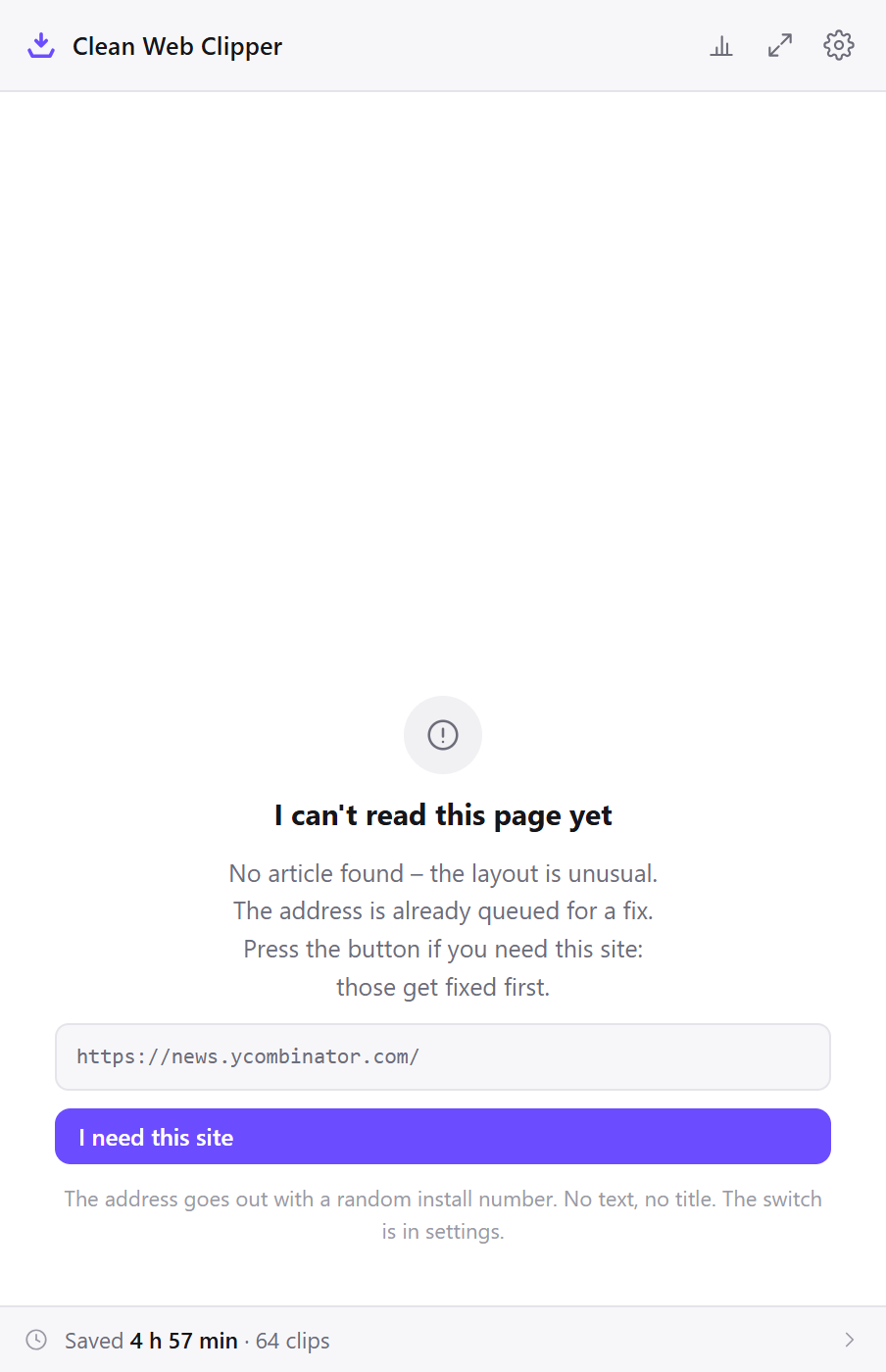
- A page with no article is often reported as such. A search result or a feed made mostly of links is refused rather than turned into a page of links in your prompt, though many feeds still come out as a list of headlines.
- Fewer stub lines: the share of lines under twenty-five characters came out at 0.221, against 0.278, 0.262 and 0.263 for the engines compared. Short lines are mostly link labels wearing the shape of sentences.
- Reference links become
[^1]footnotes gathered at the end, so a numbered citation in the body still resolves to a source instead of trailing off into a dead anchor.
---
title: "Coroutines and tasks"
source: "https://docs.python.org/3/library/asyncio-task.html"
extraction: "dom"
---
This section outlines high-level asyncio APIs to work with coroutines and Tasks.

## Coroutines

**Source code:** [Lib/asyncio/coroutines.py](https://github.com/python/cpython/tree/3.14/Lib/asyncio/coroutines.py)

---

[Coroutines](https://docs.python.org/3/glossary.html#term-coroutine) declared with the async/await syntax is the preferred way of writing asyncio applications. For example, the following snippet of code prints “hello”, waits 1 second, and then prints “world”:

```python
>>> import asyncio

>>> async def main():
...     print('hello')
...     await asyncio.sleep(1)
...     print('world')

>>> asyncio.run(main())
hello
world
```
…
Set it up for prompts
Two different setups, sharing most of their settings – one for pasting into a chat, one for filling a folder an agent reads.
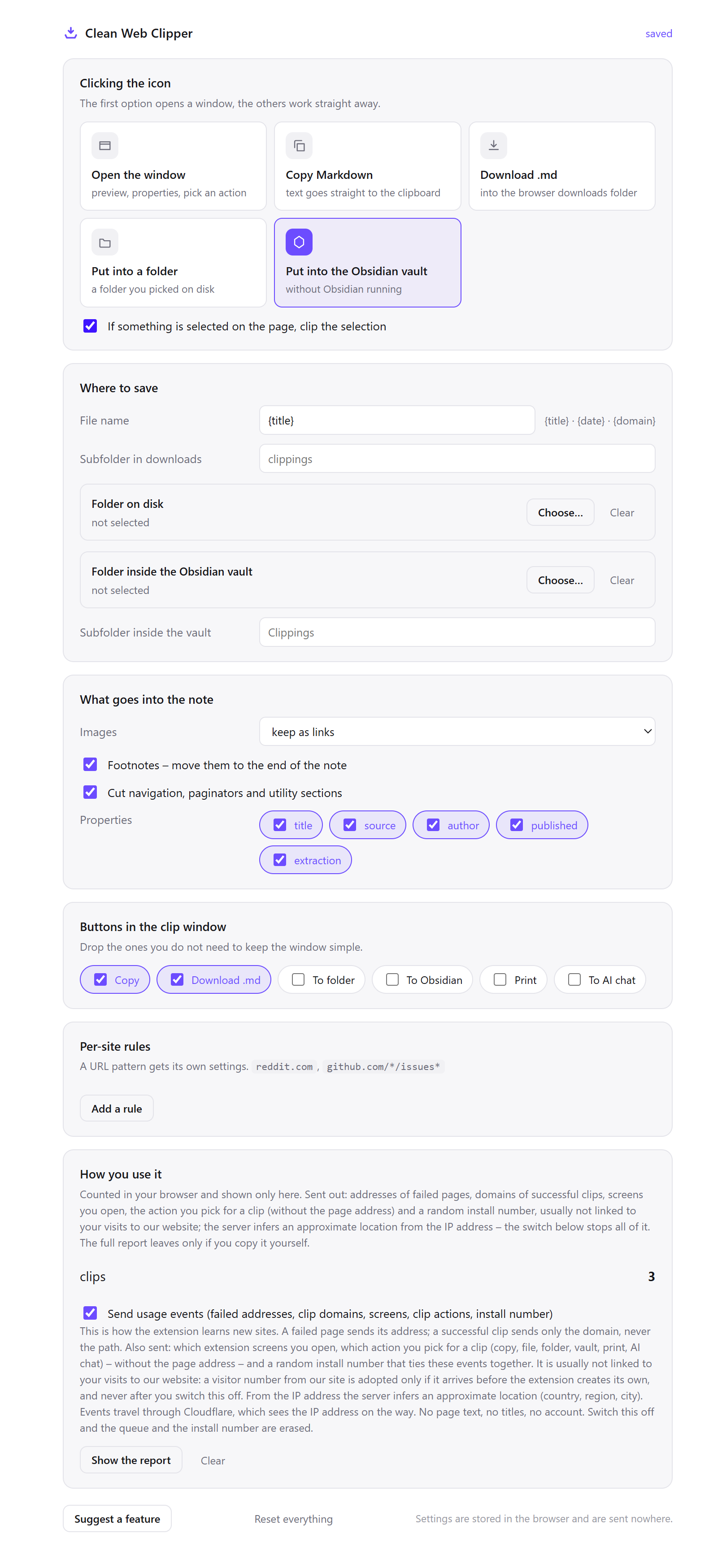
- Right-click the icon, open Options, and set what the icon click does to “Copy Markdown”. That is the shortest path there is – click, switch to the chat, paste.
- Set images to skip. A single CDN image URL can be two hundred characters of resizing parameters, and none of it means anything to a text model.
- In What goes into the note → Properties, keep
sourceandpublishedon, and switchauthorandextractionoff. Two header lines are enough for the model to attribute a claim; the rest is header you are paying to send. - Clip the page with
Alt+Shift+Mand paste. If the extension answers “no article”, do not paste it anyway. That answer means the page was mostly link labels, which is exactly the input that makes a model list menu items as topics. - For an agent instead of a chat, in Where to save set Folder on disk to a folder your agent already reads, such as
context/in the project, and File name to{domain}-{title}. - Clip the six or eight pages the task actually depends on into that folder. The agent then reads local files: no fetching, no rate limits, no login it cannot get through, and the same text on every run.
- Add a per-site rule for the sites you clip most,
reddit.cominto its own subfolder with images skipped, so the folder stays sorted without you thinking about it.
Which settings cut the context bill?
Every one of these removes something the model is charged for reading. The frontmatter row is the one people get wrong – attribution is worth two lines, not five.
| Setting | Value | Why this value here |
|---|---|---|
| Icon click | Copy Markdown | Click, switch, paste: no file, no window, no dialogue |
| Images | Skip | Image URLs are long, meaningless to a text model, and often longer than the paragraph beside them |
| Properties | source and published on, author and extraction off | Enough to attribute a claim, nothing spent on fields the model will not use |
| Where to save (agent) | Folder context/ in the project | Local files mean no fetch, no rate limit and identical input on every run |
| Filename template | {domain}-{title} | An agent grepping the folder can tell two “Overview” pages apart |
| Selection | Clip the selection, not the page | When one section answers the question, the other nine are pure cost |
| Per-site rule | reddit.com → subfolder, images skipped | Threads and reference material are worth keeping in separate piles |
---
title: "Hacker News"
source: "https://news.ycombinator.com/"
extraction: "no-article"
---
See three model setups
The same clip serves three different setups: pasting one section straight into a chat, filling a folder a coding agent reads instead of fetching, and reaching a page behind a login no model could open on its own. All three remove the same cost – repeated navigation billed as context. Each one below takes a single clip, with no plugin and no account.
One page, one question
You are reading a specification and want the model to check your reading of one section. You select the section, press Alt+Shift+M, and paste. What arrives is the section, a source line and a date line: no cookie notice, no version picker, no “on this page” rail, no eight columns of footer.
The difference shows in the answer rather than the bill. Asked to summarise a pasted page, a model given the navigation lists menu entries among the topics, because a phrase repeated in every section genuinely looks like structure. Removing it removes the mistake at the source.
A folder an agent reads instead of fetching
A coding agent needs the API reference for an SDK. You clip eight pages into context/, each named from its domain and title. The agent reads local files: nothing is fetched, nothing is rate-limited, and the pages behind your logged-in session are as readable as the public ones.
It also stays still. A fetched page can change between two runs of the same task, and nothing in the transcript will say that it did. A clipped file changes only when you clip it again, and the old file is still there to diff against.
A page the model cannot reach at all
The document is on an internal wiki behind single sign-on, or in a subscription you pay for. A model asked to fetch that URL gets a login screen; a model given a search tool gets the version served to a bot. The extension reads the page your browser has already rendered for your session, so the text you can see is the text you can paste.
The page text never leaves your machine on the way, and the clip itself is not uploaded anywhere. The clip goes to your clipboard, and the “To AI chat” button copies and opens a tab rather than transmitting anything itself.
How does it compare to the other ways to feed a page in?
People get a web page in front of a model in six ways, and the ways differ in how much page furniture reaches the model with the text. For each route, the table gives what you get and what it costs – this extension included.
| How it is done now | What you get | What it costs |
|---|---|---|
| Paste the URL | One line in the prompt | Many models cannot fetch; those that can may be served the version built for bots |
| Copy and paste the page | Everything, including the furniture | Menus, cookie notices and the footer go into the context, and heading levels are lost |
| Another clipping extension | Text with some of the furniture removed | In the benchmark on 109 pages (30 August 2026), the engines compared left 282, 478 and 491 duplicated menu lines, against 102 here |
| Screenshot into a multimodal model | The page as it looked | Image tokens, no source line, no date, and nothing you can grep afterwards |
| Save the page as HTML | A faithful copy on disk | Markup dominates the file; the article is a minority of what you send |
| Reader mode, then copy | Cleaner text, sometimes | Triggers on some pages and not others, and carries no source or date header |
| Clean Web Clipper | Article text with a two-line header | One page at a time; it does not summarise, chunk or embed anything |
What happens when the answer comes back wrong?
Four causes explain most bad answers: a feed page clipped instead of the article, content that had not finished loading when you clipped, a page that published no date at all, or image links left in when they should have been skipped. Each is a setting or a habit, not a defect in the extraction.
The model summarised the navigation, not the article
That is what a feed page does to a prompt. Check what the clip window said – if it reported “no article”, more than about a quarter of the extracted characters were sitting inside link labels, which is the signature of a category page, a search result or a storefront. Find the article page itself and clip that one. The answer will change more than any amount of prompt wording.
The clip is much shorter than the page looked
Two common causes. Either the page loads its body as you scroll, and only the rendered part existed at the moment you clipped – scroll to the end first, then clip. Or a section is inside a collapsed accordion or an unopened tab, which is not in the DOM until you open it. What the browser has not rendered, no extension can read.
There is no date for the model to cite
The page declared none. The clip has no date line rather than one filled with today’s date, because a confident wrong date is worse in a model’s context than a missing one. It will be quoted back to you as fact. Some corpora carry dates far less often than others – on the Turkish and Czech top-fifty lists a publication date is genuinely rare, and that is a property of those sites rather than of the extraction.
The image links are still eating context
Images default to being kept as links, which is right for reading and wrong for a prompt. Set images to “skip”, globally or as a per-site rule, and the Markdown contains no image references at all – not a placeholder, not an empty bracket, nothing. Re-clip the page afterwards; the setting applies from that point on, not retroactively to files already written.
What does Clean Web Clipper not do for a model?
Clean Web Clipper does not talk to any AI service. The clip is sent nowhere – it goes to your clipboard or your disk, and the “To AI chat” button only copies and opens a tab. It does not summarise, chunk or embed the text. That is your model’s job, not a clipper’s. It clips one page at a time, the page you are on, with no crawler.
The extension cannot capture what the page never rendered.
Why clip instead of fetching or pasting?
Why not just give the model the URL? Many models cannot reach the page at all, and those that can often get the version served to a bot rather than the one you are reading. Clipping captures exactly what was on your screen, including pages behind a login you were already using.
Does the extension send anything to an AI service?
How much context does this actually save?
Can I drop images to save tokens?
Does it work on pages behind a login?
What survives, and what does not?
Does it work with a local model? Yes, and nothing about it assumes otherwise. The clip is never uploaded, so it goes to your clipboard or a folder on disk and it is entirely your business what reads it after that.