Who it is for · ·
Save papers as Markdown, publication date included
When you save papers as Markdown, Clean Web Clipper reads each paper’s publication date from the page’s own metadata rather than from the running text, so a saved preprint keeps the citation a stripped screenshot loses. When a page carries no date, there is no date line instead of one filled in with today’s date.
Where these numbers come from: the benchmark, with engine versions and dates
Where does a saved paper lose its provenance?
You read a preprint in the browser, save it, and three months later the note says nothing about when it was published or which version you read. The abstract page has moved on to v3, the reference links have become dead anchors pointing back at a page you left, and the author field reads “Skip to main content” because the clipper took the first bold string it found.
Dates are the worst of it, because the failure is silent. A clipper that stamps the note with the day you saved it produces a file that looks correct and is wrong. A year later you cannot tell which of two hundred notes carry a real publication date and which carry the date you happened to be reading – nothing in the file distinguishes them.
Text and thinking end up in different places. The reference manager holds the metadata, the notes app holds your comments, and neither holds the passage you were commenting on. At write-up time you go back to fetch it, and half the links resolve to a paywall you were reading through an institutional session that has since expired. Keeping the text itself, in the same file as your notes on it, removes that round trip entirely.
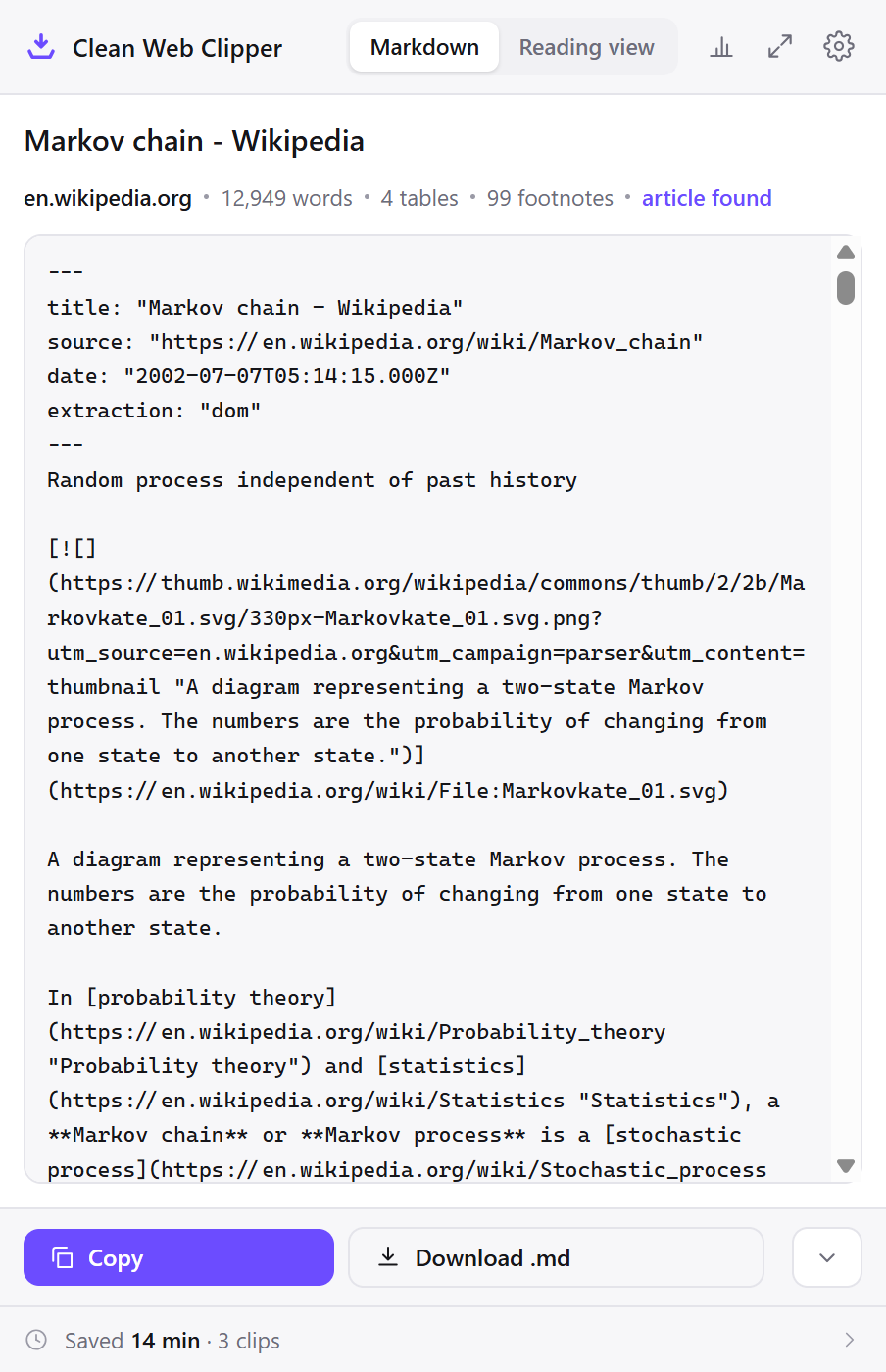
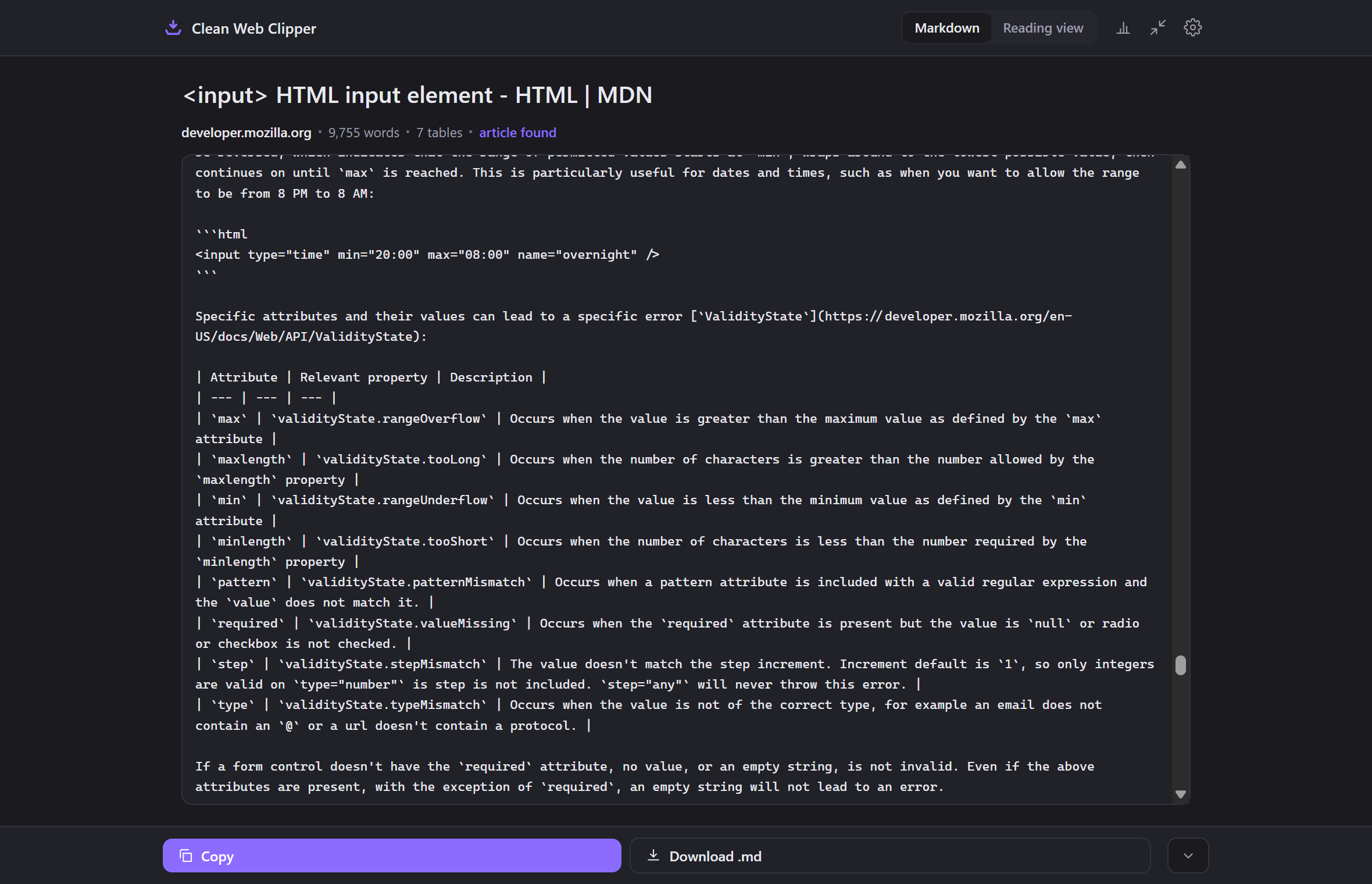
What does the note record?
- The date is read from JSON-LD
datePublishedfirst, then from meta tags –article:published_time, thencitation_dateandcitation_publication_date(the meta tags arXiv, PubMed and IEEE emit) – and last fromtime[datetime]. - Unix timestamps are understood too, wherever the date is found.
- No date on the page means no
dateline – never today’s date. - Reference links become
[^1]footnotes with their definitions collected at the end of the note. - The author field is filtered: section headings, journal names and button labels do not become bylines.
- The
extractionfield records the route:domfrom the rendered page,jsonld-articlebodywhen the page never finished rendering. - The publication date is never invented – the page’s declared date is a frontmatter field, and
{date}in the filename uses that same date, falling back to the day you clipped only when the page declared none. - Zero leftover HTML tags across 512 measured pages, so a passage pasted into a manuscript does not arrive carrying a stray
spanor a fragment of a figure caption.
---
title: "Attention Is All You Need"
source: "https://arxiv.org/abs/1706.03762"
author: "Vaswani, Ashish"
date: "2017-06-12T00:00:00.000Z"
extraction: "dom"
---
# Computer Science > Computation and Language

**arXiv:1706.03762** (cs)

\[Submitted on 12 Jun 2017 ([v1](https://arxiv.org/abs/1706.03762v1)), last revised 2 Aug 2023 (this version, v7)\]

# Title:Attention Is All You Need
…
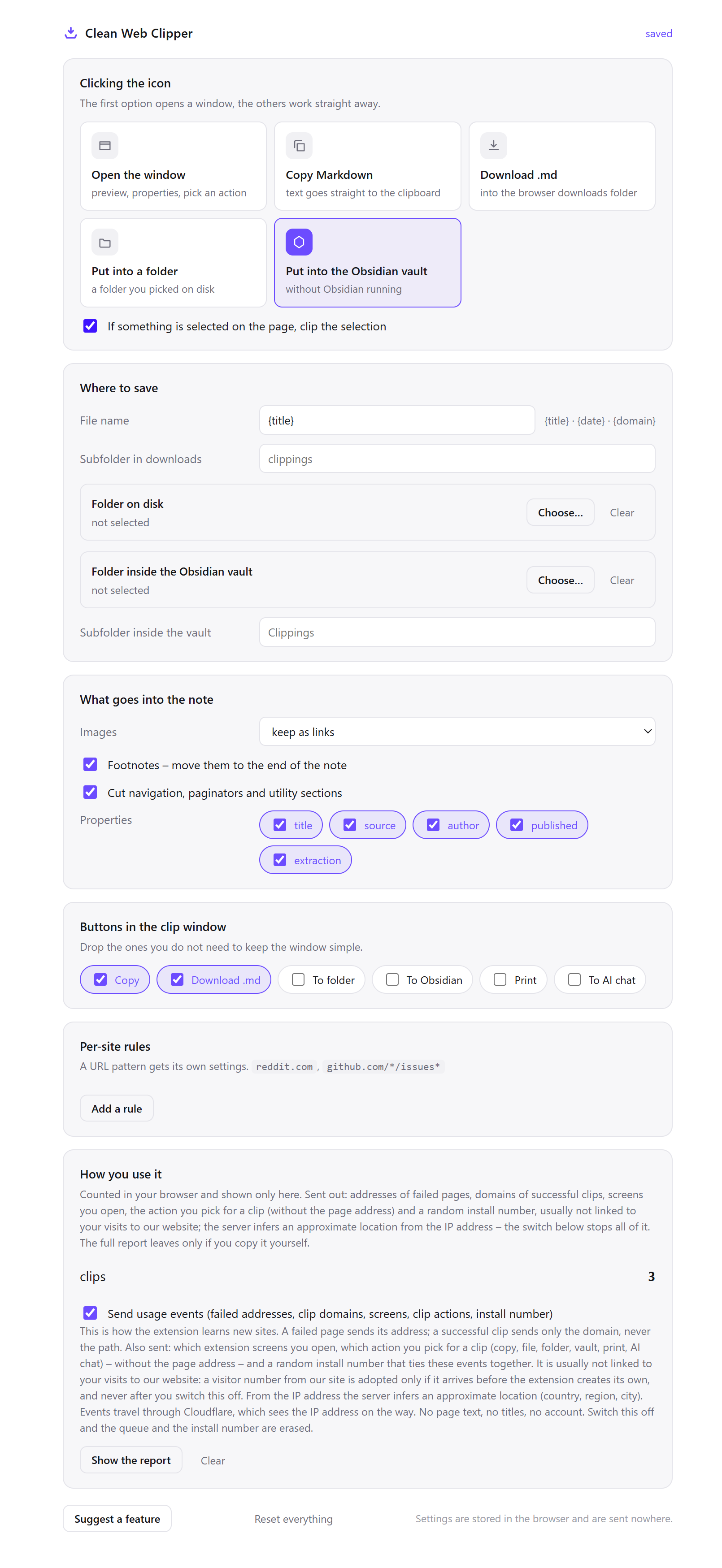
Set it up for reading papers
The default settings are tuned for reading articles quickly. A reference folder wants the opposite – every metadata field kept, and a look at the result before it is filed.
- Open Options from the extension icon and in Where to save set Folder on disk to the folder where the project’s sources live –
sources/beside the manuscript – or use Folder inside the Obsidian vault. - Leave the icon click as the preview window rather than “Put into a folder”. For papers the window earns its place – it is where you see whether the date and the authors actually came through, before the file exists.
- Set the filename template to
{domain}-{title}. A preprint server, a journal and a repository copy of the same paper are three different documents with the same title, and the domain is what tells them apart in a folder listing. - Under Properties, turn on every field,
extractionincluded. That last one matters here more than anywhere –jsonld-articlebodymeans the text came from the page’s structured data rather than from what rendered, and the two are not always the same version. - Leave images as links. Figures are usually the argument, and a link at least says a figure was there; skipping them silently removes the fact that the paper had one.
- Clip the abstract page and the full-text HTML separately when both exist. They carry different metadata – the abstract page usually holds the
citation_datetag, the full text holds the references. - After the first clip from a publisher you have not used before, look for the
dateline. If there is none, that site emits no date in its markup, and no setting will produce one.
Which settings suit a reference folder?
The theme of this table is not speed. It is making sure that in two years the file still says where it came from and how it got there.
| Setting | Value | Why this value here |
|---|---|---|
| Icon click | Preview window | The one chance to see whether the date and the authors survived, before it becomes a file |
| Where to save | Folder sources/ beside the manuscript | The passage and the writing about it stay in one place, in one backup |
| Filename template | {domain}-{title} | Preprint, journal version and repository copy share a title and are not the same document |
| Properties | All fields, extraction included | The route matters – structured data and rendered text are occasionally different versions |
| Images | Keep as links | A figure link records that a figure existed; skipping them hides that it did |
| Per-site rule | arxiv.org → subfolder preprints | Preprints get superseded and are worth being able to re-check as a group |
| Selection | Clip a selection for one section | Methods sections are cited far more often than whole papers are read |
---
title: "The Many Lives of the Medieval Wound Man"
source: "https://publicdomainreview.org/essay/the-many-lives-of-the-medieval-wound-man/"
author: "Jack Hartnell"
extraction: "dom"
---
Sliced, stabbed, punctured, bleeding, harassed on all sides by various weaponry, the curious image of Wound Man is a rare yet intriguing presence in the world of medieval and early modern medical manuscripts. Jack Hartnell explores this enigmatic figure's journey through the centuries.

Published

December 7, 2016
…
See three papers where the date matters
The date field earns its keep in three situations: a preprint that changes between the version you cited and the version now online, full text read through an institutional session that later expires, and a manuscript folder where every quotation can be checked against the file it came from. Each depends on the capture, not on memory of the page.
A preprint that changes under the citation
You read v1 of a preprint in March and clip it. In September the abstract page serves v3, with a reworked results section and two new authors. You clip it again; the second file takes a numeric suffix rather than replacing the first.
Any diff tool now shows exactly which claims moved between the version you cited and the version a reader will find at that URL. Without the March file there is no way to establish that anything changed at all. The URL looks identical and the page shows only its current state.
Full text behind an institutional session
The article renders for you because you are on the campus network or logged in through your library. The extension reads what the browser rendered, so the full text clips like any other page, with the references becoming [^1] footnote definitions collected at the end of the note.
That matters six months later, when the session has expired and the same link asks for money. The passage, its authors and its date are in a file on your disk, and no part of that file depends on the subscription still being live.
Writing up, with the sources in the same folder
The manuscript is in paper/, the clipped sources in paper/sources/. Every quotation in the draft can be checked against the file it came from without opening a browser, and the URL and date needed for the reference list are two lines at the top of that file.
Because the files are plain text, grep across the folder answers the question a reference manager cannot – not which papers you saved, but which of them actually used a particular phrase.
How does it compare to the usual reading workflow?
Most people already do two or three of these. The honest comparison is not that they fail but that they each drop something different.
| How it is done now | What you get | What it costs |
|---|---|---|
| A reference manager’s browser button | Structured metadata and often the PDF | The reading text is inside a database; quotations still have to be retyped |
| Download the PDF | The version of record, laid out | Not greppable across a folder without extra tools, and not diffable between versions |
| Bookmark the abstract page | A pointer, instantly | Preprints are superseded in place; the pointer follows the change silently |
| Copy and paste the passage | The text you needed | Arrives without the date, the URL or the reference definitions |
| Clean Web Clipper | HTML text, its metadata and its footnotes, as a file | HTML only. It does not read PDFs, and it writes no citation key |
What happens when the metadata does not come through?
When the metadata of a research clip does not come through, four fields cause most questions: no date line because the page declared none, no author line because nothing survived the byline filter, an abstract-only capture because the full text lives at a separate URL, or missing equations because they were rendered as images. Each comes with what to check on the original page.
There is no date line
The page emits no date the extension recognises. It looks for JSON-LD datePublished first, then meta tags – article:published_time, citation_date and citation_publication_date (the tags arXiv, PubMed and IEEE use) and a few less common ones – then time[datetime], in that order; a Unix timestamp is accepted in any of them. When none of them is present the date line is left out rather than filled with today, because a plausible wrong date in a reference folder is discovered at exactly the wrong moment.
There is no author line on a paper that clearly has authors
Author extraction reads structured data and byline markup, then filters the usual false positives: section headings, journal names, “authority control” blocks and button labels. Some publishers put the author list in a JavaScript-rendered widget with no byline markup at all, and nothing survives the filter. No author line is the deliberate outcome – “Skip to main content” as the author has been the alternative on more than one clipper.
Only the abstract came across, not the paper
You clipped the abstract landing page, which for most preprint servers and journals genuinely contains only the abstract. The full text lives at a separate URL – usually a “full text”, “HTML” or “reader” link on the same page. Clip that one as well; the two pages carry different metadata and are worth keeping as two files.
The equations are missing
Mathematics rendered as images stays an image link, and if you have set images to “skip” it disappears entirely. Where a publisher renders formulae as text the characters come across. There is no conversion to LaTeX – the extension reads what the page rendered and does not reconstruct notation from a picture of it.
What are its honest limits?
Clean Web Clipper reads HTML, not PDF – a paper that exists only as a PDF is not something the extension converts. It does not fetch BibTeX and writes no citation key. The frontmatter is metadata, not a bibliography entry. Mathematics rendered as images stays an image link. And some sites publish no date at all in their markup; on those the date line is left out rather than guessed, which is the honest answer but still a gap.
For course readings rather than papers, see the page for students.
What metadata does it capture?
What if the page has no publication date? There is no date line. Filling it with the date you happened to clip the page is worse than leaving it out, because it silently becomes wrong data in your notes.
Can it clip a PDF?
Do footnote links still work after clipping?
Can it capture a paper behind an institutional login?
How does it decide who the author is?
author line.Does the note record which version of a preprint I read?
source line carries it too. {date} in the filename is the publication date the page declared, or the day you clipped if it declared none, so it is not a reliable record of when you read it. Clip the same paper again later and the two files can be compared directly. That is the only reliable record that a version changed.What about tables, citations and screening?
Do data tables and supplementary tables survive? Usually. Tables are serialised by the extension itself rather than by a generic converter; a cell containing a list or a code sample is the case that breaks generic converters and is handled here. On 9 technical pages in a separate pre-release check (August 2026), 12 of 15 tables came through where Defuddle and Mozilla Readability kept 7 each; supplementary tables of papers were not part of that set.