When the clipper broke · · ·
OneNote Web Clipper not working: the sign-in loop
OneNote Web Clipper not working usually means a loop: you click it, it asks you to sign in, the window flashes, it asks again. Sometimes the loop ends in Server Error in '/siteapi' Application. What follows: what that means, what to try, why it returns, and Clean Web Clipper, which has no sign-in at all.
What is the error, exactly?
Saving needs a signed-in Microsoft account: the clipper saves into OneNote, and its store listing describes clips as available on all your devices. Going by Chrome Web Store reviews (snapshot of 5 September 2026), the failure shows up at that sign-in step: reviewers describe pressing the button, a sign-in window flashing open and shut, and the extension asking again. How the sign-in works inside is not visible from outside.
Server Error in '/siteapi' Application. Runtime Error is a server error page, and its own wording says so: an application error occurred on the server, and the details are hidden “for security reasons”. That is why it tells you nothing useful. We have not seen the server side of the clipper; what the page shows is all that can be read from outside.
The other shape of the same problem is the loop with no error page at all. You sign in, a window flashes, and the extension asks again. The local suspects Microsoft support staff name are cookies and blockers: their steps include clearing cookies for the Microsoft sign-in pages, allowing third-party cookies and pop-ups, and disabling privacy and ad-blocking extensions that could interrupt the sign-in window (answer on Microsoft Q&A, checked 16 September 2026).
What do people report, word for word?
Chrome Web Store reviews of the OneNote Web Clipper, unedited. Dates and versions matter here more than the wording: this is not one bad week.
Log in authenticated but return to sign in page again! … Server Error in '/siteapi' Application. Runtime Error
It has stopped working providing a login loop, asking you to log in, then asking again and again and again. This problem was first reported to Microsoft in 2023.
Reloading, uninstalling Chrome, renewing Credentials, and many other things did NOT work.
Impossible to login, cookies issue even when enabled
Source: Chrome Web Store reviews of OneNote Web Clipper, collected 5 September 2026. Author names are left out on purpose. Of the 608 reviews left over the 24 months to 5 September 2026, 109 are one or two stars, and 17 of those describe sign-in.
What should you try, in order?
The first three steps are quick and fix the common local causes; the rest tell a problem on your machine apart from a problem on Microsoft’s server.
- Allow third-party cookies for
[*.]onenote.comand[*.]live.com. In Chrome this is Settings → Privacy and security → Third-party cookies → Allowed sites. Allowing third-party cookies is among the steps Microsoft support staff give for this sign-in error (answer on Microsoft Q&A, checked 16 September 2026). - Sign in to
onenote.comin the same browser profile first, in a normal tab. If that sign-in also fails, the extension is not the problem and nothing you do to it will help. - Check which account the browser is signed into. A personal Microsoft account and a work or school account can behave differently here, and the same Microsoft Q&A answer advises signing out of other Microsoft accounts and signing in with only the one that owns the notebooks. Reviews describe one account type failing while the other works.
- Clear cookies for
login.live.comandonenote.com, then restart the browser and try once. Clearing cookies for the Microsoft sign-in pages is also in the Microsoft Q&A answer. Removing the extension does not clear those sites’ cookies, and reviewers report reinstalling repeatedly with no change (snapshot of 5 September 2026). - Create a new Chrome profile, install only the OneNote clipper there and try. A guest window runs no extensions, so a fresh profile is the clean test: success there points at your profile, failure at the server.
- If the
/siteapipage is still there after the steps above, stop trying. Report it through OneNote support rather than a store review, and try again later. The Microsoft Q&A thread on this error ends the same way, with a referral to support.
Why does it keep coming back?
Reviews suggest the failure is built into the design, not a bug that stays fixed. A clipper that saves into a hosted notebook cannot save without a working sign-in, which means a working clip depends on an identity service, the browser’s cookie policy and a server, all of which change without asking you.
One review from March 2026 makes the point better than any analysis: the loop was first reported in 2023, fixed months later, and has now reappeared. The rating shows the same shape. Across the whole history the card sits at 4.81 stars, but the last hundred reviews average 3.32, and 40% of them are one or two stars (Chrome Web Store reviews, snapshot of 5 September 2026).
Switch to a clipper with nothing to sign in to
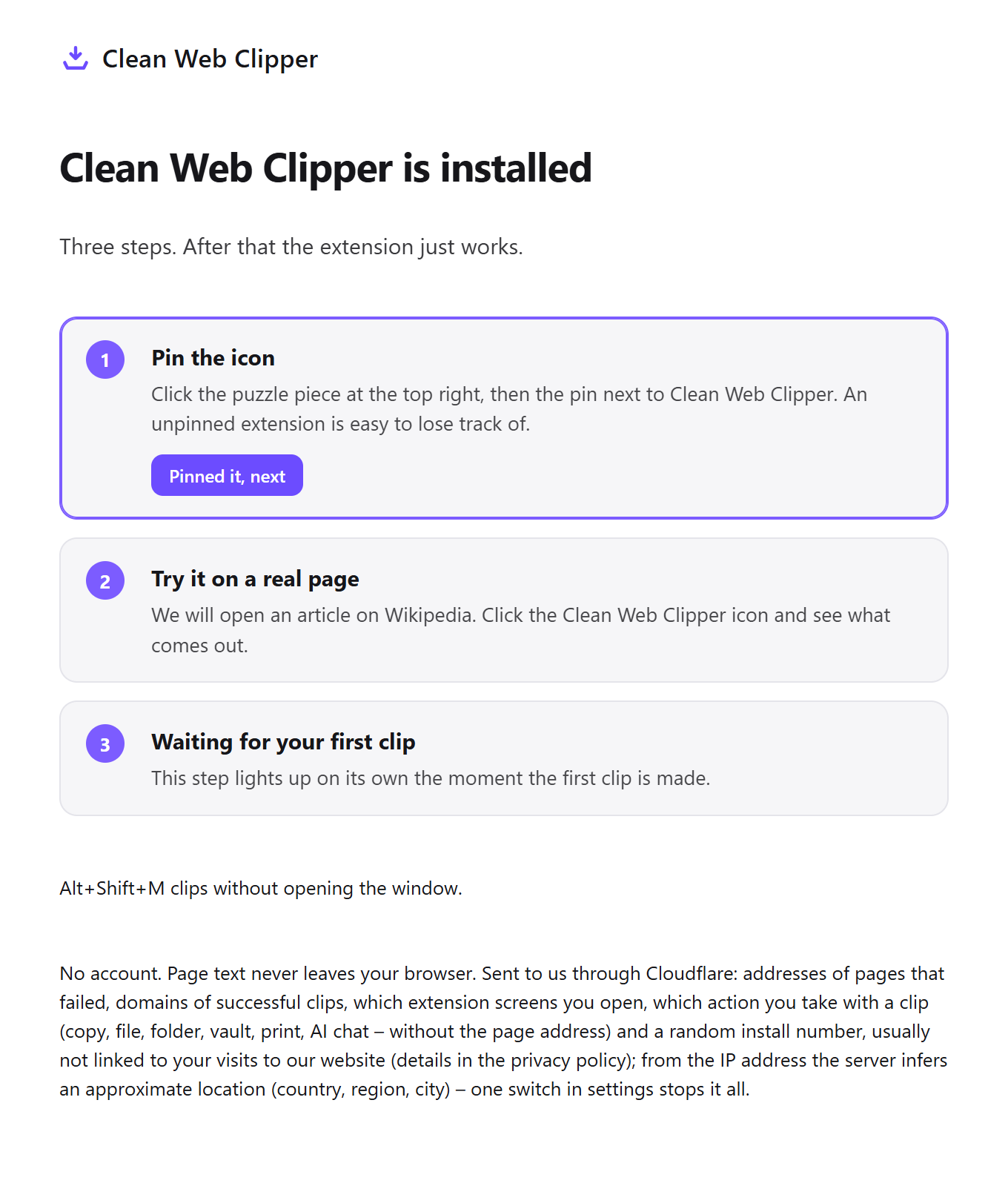
Clean Web Clipper is built the other way round. It does not have an account, which is not a privacy slogan here but a plain statement about which failures are possible.
- There is no sign-in, so there is no sign-in loop. The extension has no server to authenticate against.
- The page is read from the tab you are already looking at, so a page behind your own login clips like a public one, as long as its text is in the page.
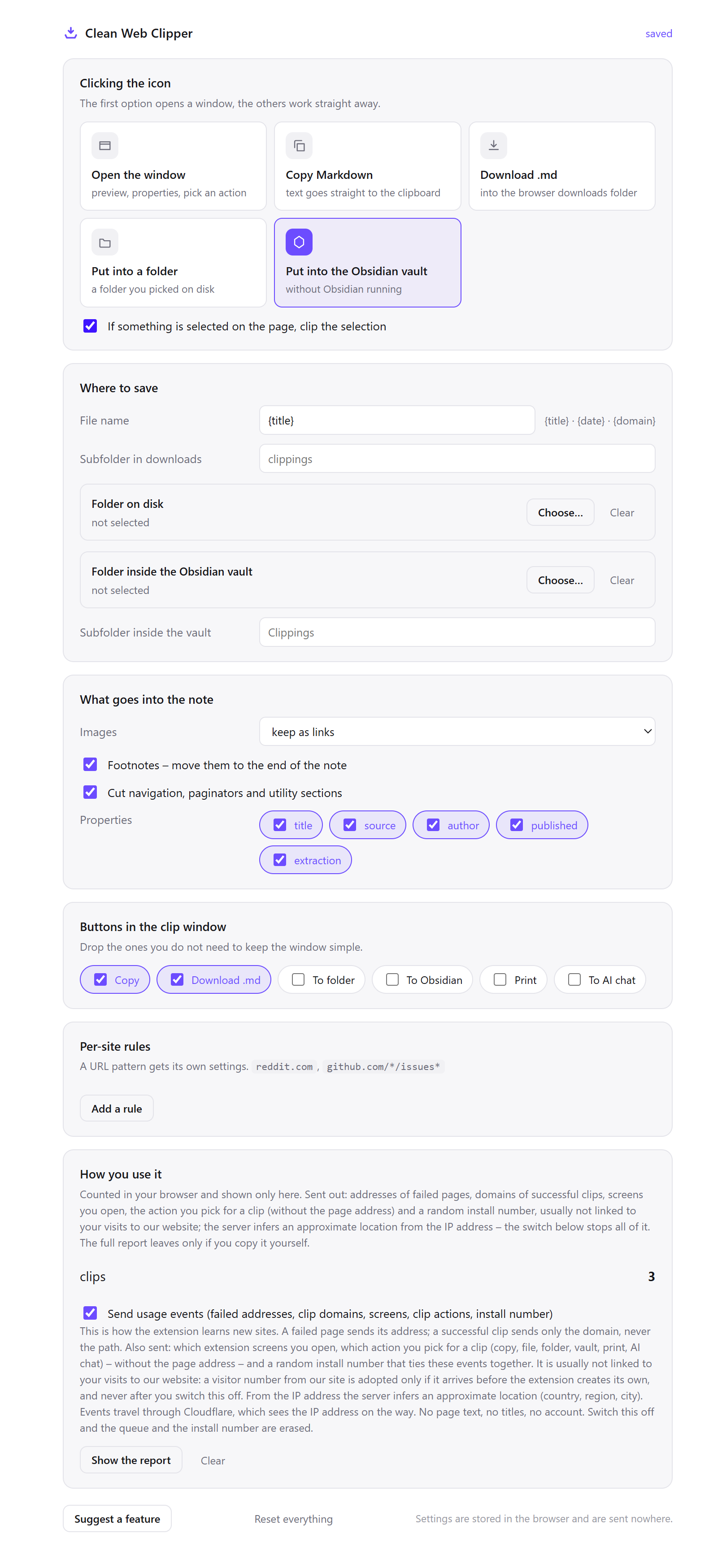
- The note is written straight to disk with the browser file access API, into a folder you pick in settings.
- If a file of that name exists, the new one becomes
Article-2.md: the existing file is not overwritten, a number is added to the name. A browser without a folder picker saves through Downloads instead, and there the browser adds “(1)”. - Saving depends on no service of ours, so it cannot break because a service changed.
- When a page has no article in it, it says so and writes nothing, instead of saving a page of menu links; the extraction is measured on 512 pages.
How do the two designs compare, side by side?
The comparison is of how the two are built, not of how good they are. The OneNote column follows its Chrome Web Store listing (snapshot of 5 September 2026), which saves clips to OneNote, and the Microsoft Q&A answer on the sign-in error (checked 16 September 2026). OneNote does things Clean Web Clipper cannot, and the next section is about those.
| What happens | OneNote Web Clipper | Clean Web Clipper |
|---|---|---|
| Before the first clip | Sign in to a Microsoft account | Pick a folder in settings |
| Where the clip goes | A OneNote notebook in your Microsoft account | A .md file on your disk |
| If the Microsoft sign-in fails | No clips until it works again | Unaffected: there is no sign-in |
| If the service is retired | Saving into it ends with the service | The files are already yours, in Markdown |
What do you give up by switching?
Clean Web Clipper is a smaller tool on purpose, and if you rely on any of the following, it is the wrong replacement. This list is here so you find out now rather than after installing. What OneNote does is taken from its Chrome Web Store listing (snapshot of 5 September 2026).
- Notebooks and access from every device. Files land in a folder on one machine. Anything that carries them to a second machine is your business, not the extension’s.
- The phone. There is no mobile app and no mobile browser extension.
- Search across everything you ever clipped. That is what a notes app is for; this writes files.
- Clipping PDFs, images and YouTube or Vimeo videos, and highlighting text or adding a note before you clip. None of it exists here.
- Several selections from one page and a visual bookmark of the page. Clean Web Clipper produces text, not pictures of pages.
How do you move, if you decide to?
Nothing here needs the old clipper to be working, which is the point: you can do all of it while the sign-in is still broken.
- Install Clean Web Clipper and open its settings.
- Choose the folder for notes. If you use Obsidian, point it at the vault folder directly; Obsidian does not need to be running.
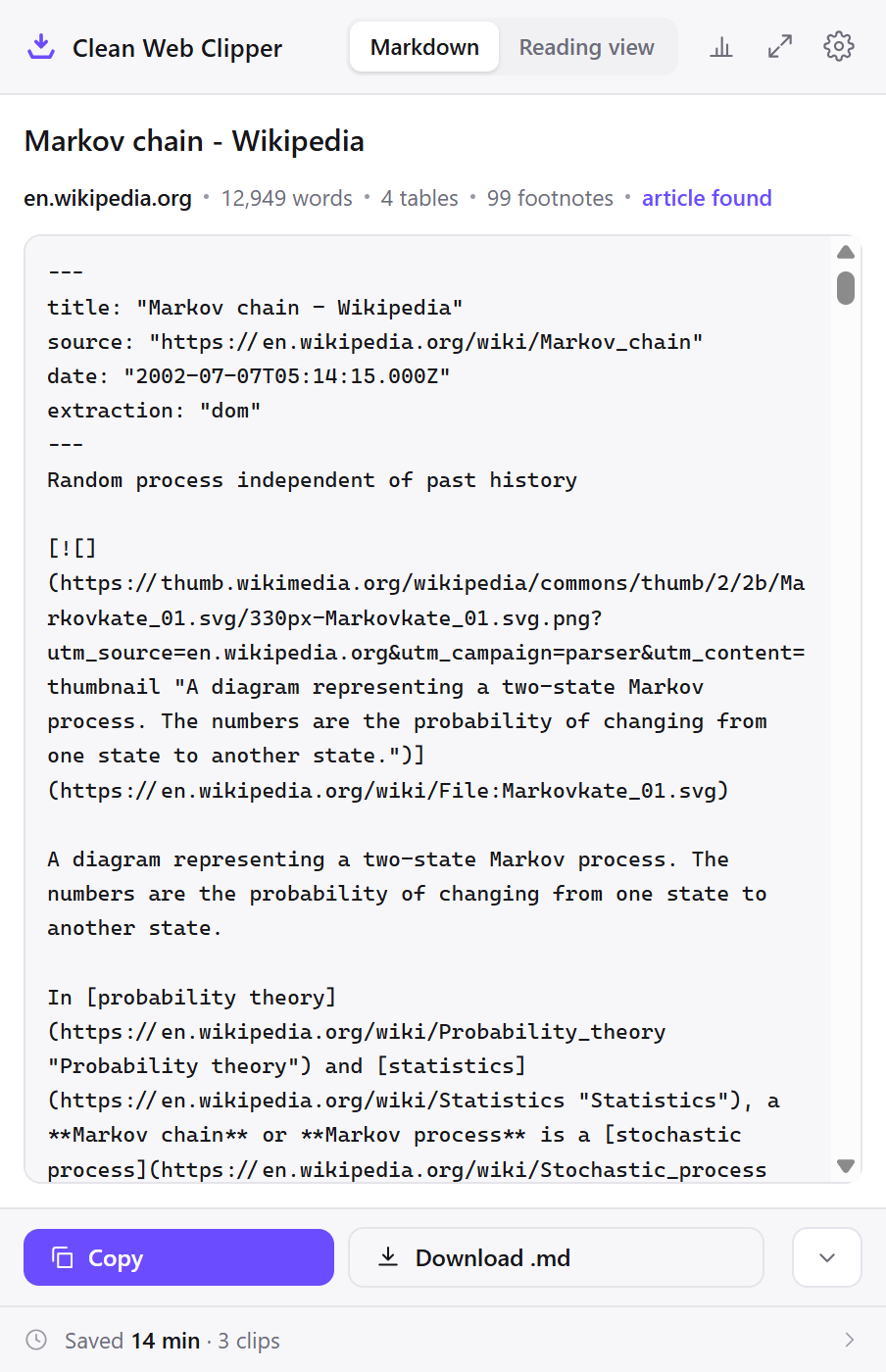
- Clip one page you care about and open the file to see the shape of the output before you commit to it.
- Leave OneNote installed for now. What is already in your notebooks stays there, and the two do not conflict.
- Export the old notebooks at your own pace through OneNote itself, not through the clipper. That is a separate job and this extension does not do it.
Why does the sign-in loop keep happening?
The sign-in loop keeps happening because the clipper cannot save into OneNote without a working Microsoft sign-in, and that step depends on an identity service, cookies and a server you do not control. Reinstalling rarely helps; what you can still check is your cookies, blocking extensions and other signed-in Microsoft accounts.
Will reinstalling the extension fix the sign-in loop?
Is Server Error in '/siteapi' something I caused?
/siteapi page is a server error page: its own text says an application error occurred on the server. A local setting can still affect the sign-in request, so work through the cookie and account steps once; if the page stays, report it to OneNote support.Does it work in Edge if it fails in Chrome?
/siteapi error in Edge. If both fail the same way, the cause is not the browser.Why does a work account sign in when my personal account does not?
What does Clean Web Clipper do differently?
Clean Web Clipper has no sign-in step to loop: it needs no account and writes Markdown files to a folder on your disk. The flip side is that it does not clip into OneNote.
Can I clip to OneNote without the extension?
Does Clean Web Clipper clip into OneNote?
Does Clean Web Clipper need an account?
Is it free?
Emailing a page to me@onenote.com is no longer an option: Microsoft removed that feature in March 2025 (Microsoft Support, checked 16 September 2026).