When the clipper broke · · ·
Notion Web Clipper not saving: only the title and URL arrive
Notion Web Clipper not saving looks like this: you clip a page, open it in Notion, and find a title, a link and nothing else. It is the most common complaint in its store reviews (5 September 2026); the pattern described on this page is read from them, not from Notion’s code. Clean Web Clipper reads the open tab instead.
Why does the body never arrive?
Going by the complaints, what reaches Notion is not the page you are looking at. The reports fit a clip in which the address is read again somewhere other than your open tab, and whatever comes back is saved.
If that is what happens, the second visit has none of your cookies, is not signed in to anything, and can be refused or served a stub. When it comes back empty, what remains is the title and the link.
That would also explain the kind of page it tends to happen on: anything behind a login, anything behind a paywall, anything that builds its text in the browser after loading, and anything that turns away automated requests. We have not seen Notion’s code; this is a reading of the reviews, and a test in a private window, signed out, checks it on your own page.
What do people report, word for word?
Chrome Web Store reviews, unedited. The same sentence recurs for years, which makes a one-off outage an unlikely explanation.
Webpage not saving - just URL and title.
Does not save a full page - only title and link to it.
Used to save page content but now I'm only getting empty pages.
It just trying to render targeted page, but not saving rendered current page. Something went wrong last month.
Source: Chrome Web Store reviews of Notion Web Clipper, collected 5 September 2026. The card shows 3.32 stars; the last hundred reviews average 2.70, and 52% of them are one or two stars (snapshot of 5 September 2026).
What should you try, in order?
The first step tells you quickly whether anything else on this list can help.
- Open the same page in a private window, signed out. If the reviews point at the right cause, what you see there is roughly what the clip gets. If the article is missing there too, no setting is likely to change that.
- If the page is public, wait and clip again. A single failed attempt does happen, and a retry sometimes lands.
- Check the destination. Clipping into a database whose template overwrites the page body will leave you with a title and a link even when the fetch succeeded.
- Make sure you are signed in to Notion in the same browser profile, and that the workspace you are clipping into is the one you are looking at.
- For pages behind your own login, use a clipper that reads the tab you already have open, or paste the text by hand.
- Report the specific address to Notion. A store review is not a support channel and nobody is triaging it.
What does this mean in practice?
If the page is read again without your session, as the reviews suggest, the clip can only ever hold what an anonymous visitor can see. Documentation behind a company login, a subscription article, your own dashboard: none of it would come through that way, whatever the settings.
It also explains the shape of the reviews. Complaints that only the link or a fragment arrives run from 2020 through 2024 to 2026, and the rating has never recovered: 3.32 on the card, 2.70 across the last hundred reviews.
Clip what is on your screen instead
Clean Web Clipper reads the page from the tab you have open, at the moment you press the button. There is no second fetch, so there is nothing to be refused.
- Pages behind your own login clip normally, because it is your session doing the reading.
- Pages that build their text in the browser clip normally, because it reads the finished page, not the source.
- The body is converted on your machine: headings, lists, tables, footnotes and code with the language tag the page declared – the conversion is measured on 512 pages.
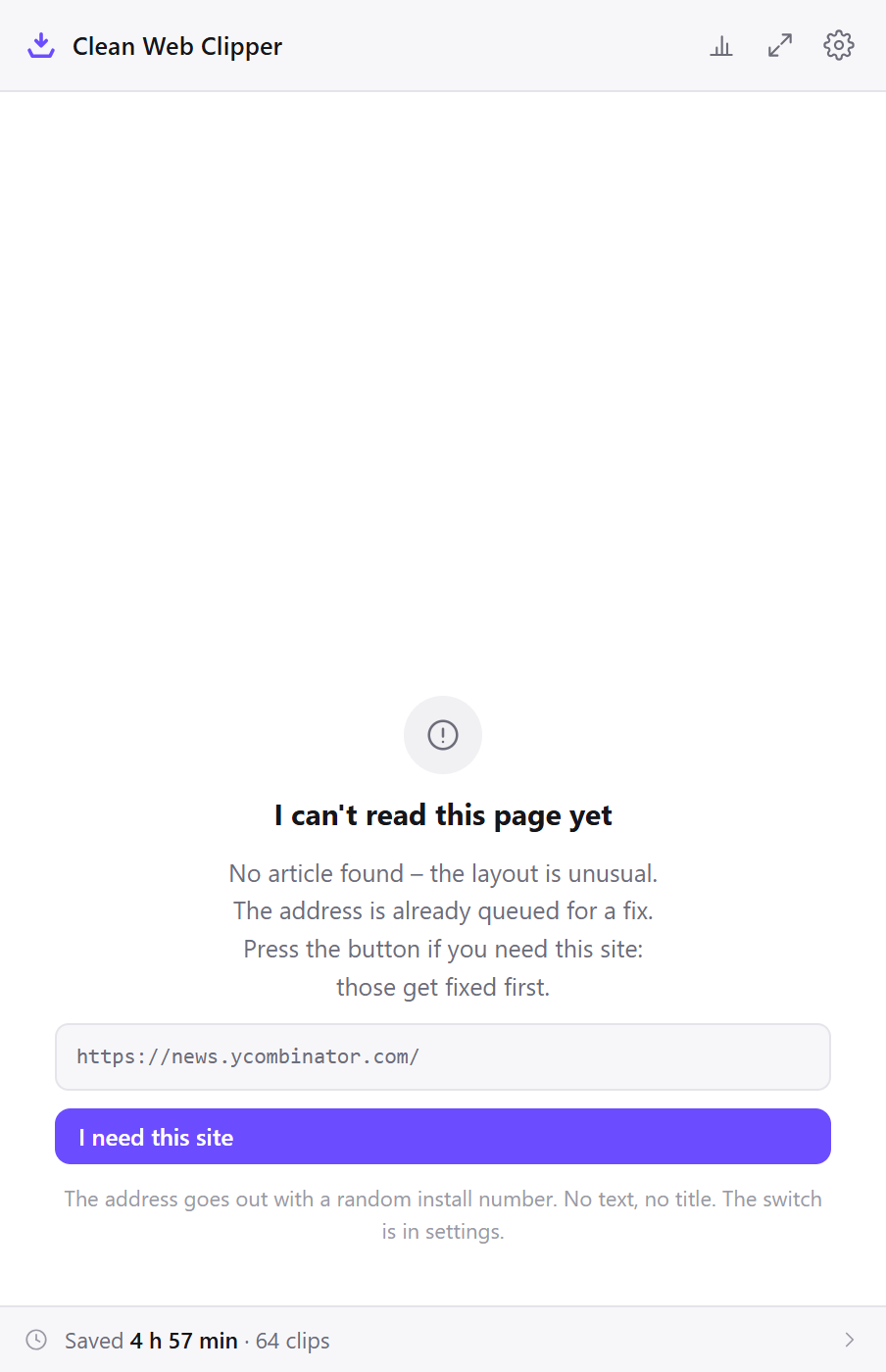
- When there really is no article on the page, it says so and writes nothing rather than saving the menu.
- The result is a
.mdfile on your disk, not a row in a hosted database. - The clip is never uploaded – it is written by your browser, not by a service.
How do the two designs compare, side by side?
The whole difference is where the page is read. The Notion column is read from the reviews, not from its code. Notion offers a database behind the clip; Clean Web Clipper offers a file.
| What happens | Notion Web Clipper | Clean Web Clipper |
|---|---|---|
| Who reads the page | Judging by reviews, not your open tab | Your browser, the tab you are on |
| Pages behind your login | Title and link only | Read from your open tab |
| Pages built in the browser | Often empty | Read after they render |
| Where the clip lands | A Notion database | A .md file in your folder |
| If the fetch is refused | A note with no body | Not applicable: there is no fetch |
What do you give up by switching?
Notion is a database and this is not. If the clip has to land in a Notion workspace, keep the official extension and open each page in a private window, signed out, to know in advance which pages will work.
- The Notion workspace itself: databases, properties, templates, relations and shared pages.
- Anything your team does with the clip after it lands. A file on your disk is yours alone.
- Sync and mobile access. There is no phone app.
- Automatic tagging and page properties filled in by a template.
- Import of what you have already clipped. This extension does not touch your existing notes.
What if you want both?
The two clippers do not compete for the same job, and using both is a reasonable answer rather than a compromise.
- Keep the Notion clipper for public pages that should live in a shared workspace.
- Install Clean Web Clipper for everything behind a login, which is exactly the set the other one cannot reach.
- Point Clean Web Clipper at a folder you already sync or back up.
- When something has to end up in Notion but the clip comes back empty, clip it to Markdown and import the
.mdfile through Notion’s Import → Text & Markdown; Notion’s help lists headings, lists and code blocks among what carries over (Notion Help, checked 17 September 2026). - Use the private-window test before blaming either tool: it tells you which of the two can see the page.
Why does the body go missing?
Going by the reviews, the body goes missing on pages that need your session: the reports fit a clip that reads the address again outside your open tab, so only what an anonymous visitor sees can arrive.
Is this a bug I can report?
Why did it work before and not now?
Does the paid Notion plan fix it?
Will a different Notion clipper work?
How is Clean Web Clipper built differently?
Clean Web Clipper reads the page in your open tab, with your session, and writes a Markdown file instead of saving into Notion; Notion can import that file.
Can I get Markdown into Notion?
.md files through Import → Text & Markdown, and its help lists headings, lists and code blocks among what carries over (Notion Help, “Import data into Notion”, checked 17 September 2026).