Who it is for · ·
Track competitor releases in dated notes
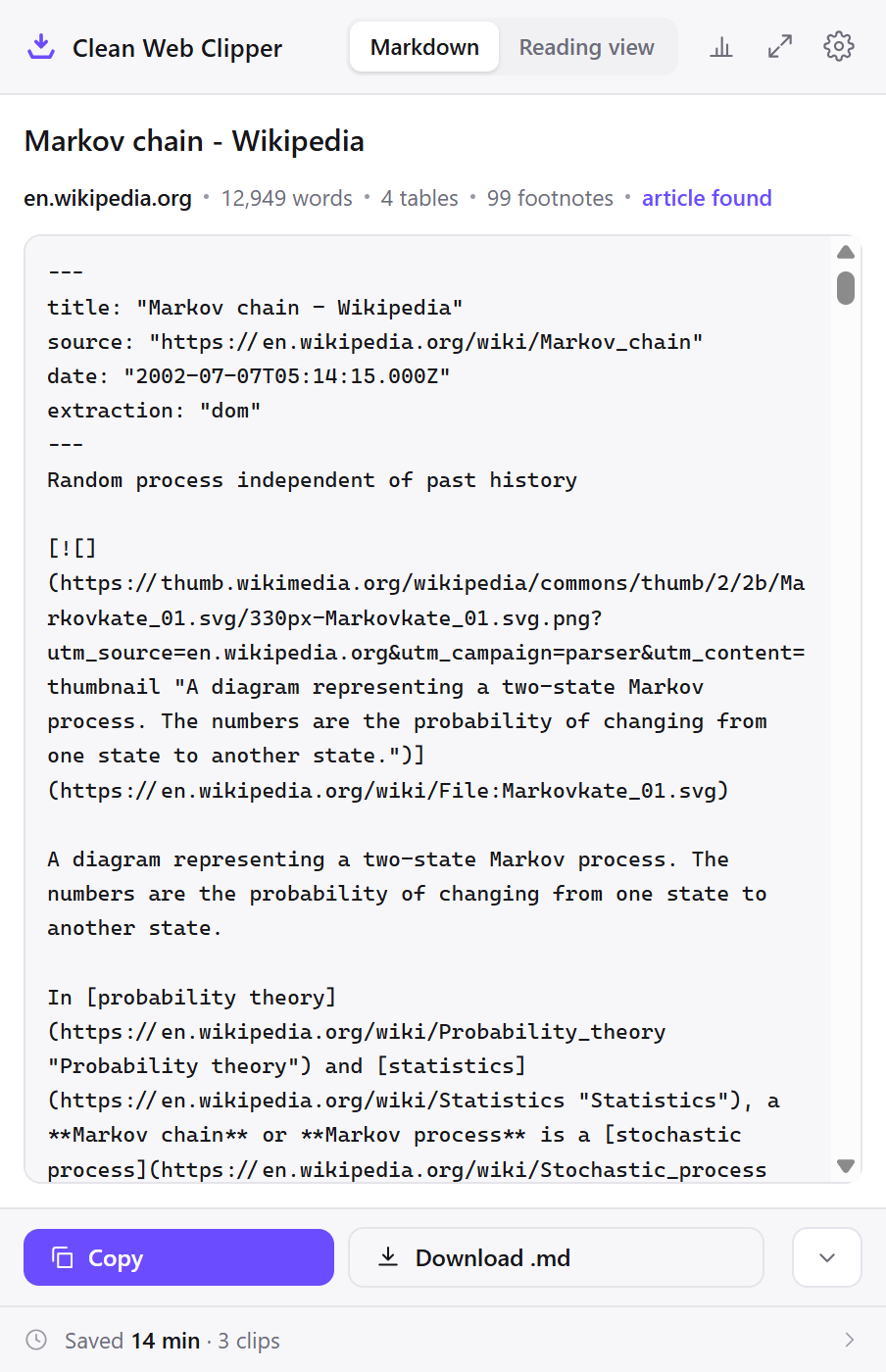
To track competitor releases, Clean Web Clipper turns their changelogs, docs and pricing pages into a searchable Markdown corpus instead of a bookmarks folder that decays into dead links. You can grep it, diff it against last quarter’s capture, and quote it in a decision document with the date attached.
Where these numbers come from: the benchmark, with engine versions and dates
Why does competitive research stop being usable?
The bookmarks folder called “competitors” has ninety entries. Half redirect to a rebranded marketing page, a quarter need a login nobody on the team still has, and none of them say what the page claimed in March. When someone asks whether a rival shipped a feature before or after you did, the answer is sitting on a page that has been rewritten since.
Screenshots do not rescue it either. They cannot be searched, they carry no date beyond a file timestamp, and pasting one into a decision document invites the question of what the rest of the page said. What holds up in a review is the text, with the date the page declared, in a file you can still grep six months later.
And the signal is spread across pages that look nothing alike. The changelog says what shipped, the docs say what it actually does, the pricing page says who it is for, the status page says how often it breaks, and a forum thread says what customers think of all four. Nothing watches any of them for you – you look when you look, and whatever you did not capture on the day is simply gone, because none of those pages keeps a history a visitor can read.
What does the corpus give you?
- Publication date read from the page, so a changelog entry keeps its real timing rather than the day you found it.
- Per-site rules route each competitor into its own folder automatically.
- Tables are serialised by the extension itself: on 9 technical pages in a separate pre-release check (August 2026), 12 of 15 tables were kept, against 7 each for Defuddle and Mozilla Readability. Pricing and limits tables were not measured separately, so check them in the clip window.
- The source URL is in every note, so a claim in your document is traceable to a page and a date.
- Files live in your own vault, next to the decisions they support, searchable with grep or your editor.
- Clip the same page again next quarter and a diff shows exactly what moved.
- Forum threads keep their nesting and each comment’s score, which is where customers say the things a changelog never will.
- The extension never uploads the page text; what it reports to our statistics server is the bare domain of a successful clip, the address of a page it failed to convert, the screens and actions you use and a random install number; the server works out an approximate location – country, region and city – from the IP address, and one switch in settings stops all of these events.
---
title: "SCIM user responses now include a profileUrl attribute - GitHub Changelog"
source: "https://github.blog/changelog/2026-09-16-scim-user-responses-now-include-a-profileurl-attribute/"
author: "Allison"
date: "2026-09-16T20:19:58.000Z"
extraction: "dom"
---
[Back to changelog](https://github.blog/changelog/)

Improvement

September 16, 2026 • 1 minute read

# SCIM user responses now include a profileUrl attribute

SCIM user responses from GitHub now include the standard `profileUrl` attribute defined by RFC 7643, containing the absolute URL of the GitHub account linked to the external identity.
…
Set up a competitor corpus
The setup is per-site rules and a recurring slot in the calendar. Neither is clever, and together they are the whole method.
- Open Options from the extension icon and in Where to save set Folder on disk to a folder the team can read:
research/competitors, ideally in a repository so history comes for free. - Add a per-site rule for each competitor – their domain to their own subfolder. After that, nothing needs filing by hand, which is the only reason the corpus survives a busy quarter.
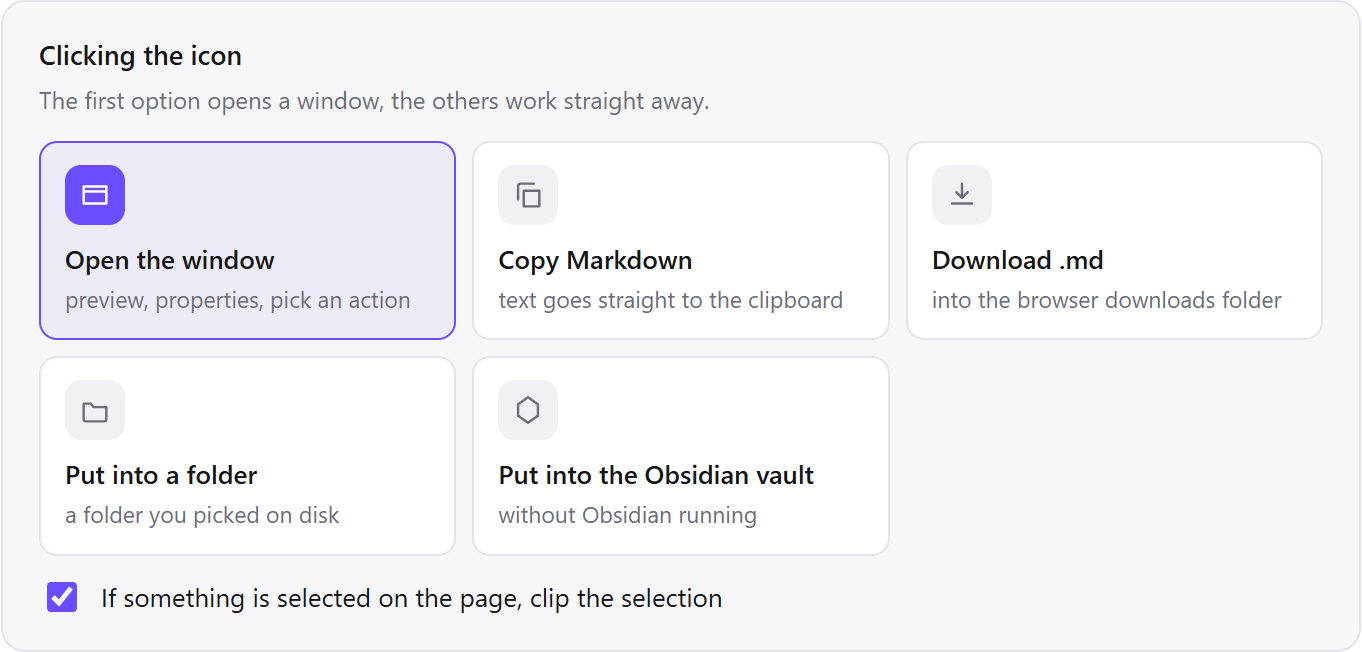
- Set what the icon click does to “Put into a folder”. Capture has to be cheaper than deciding whether to capture, or you will only capture the pages you already knew were important.
- Set the filename template to
{date}-{title}, and give each round of captures its own subfolder inside the competitor’s folder, named for the month or quarter. There is no separate variable for the clip day: on a changelog that declares a publication date,{date}is that date for every capture, so the subfolder is what keeps the rounds in order. - Under Properties, turn on
sourceandpublished(the file’sdateline). The publication date is the page’s own, which is what lets you say a rival shipped a feature in March rather than that you noticed it in March. - Set images to skip. Marketing screenshots are the largest and least useful part of a competitor page, and their URLs change with every redesign.
- Put a recurring slot in the calendar and capture the same five pages each time: changelog, pricing, the docs page for the overlapping feature, the status page, and whatever thread is currently active about them.
Which settings suit tracking over time?
Everything here optimises for the second capture rather than the first. A corpus with one capture of each page is a bookmark list with extra steps.
| Setting | Value | Why this value here |
|---|---|---|
| Icon click | Put into a folder | Capture must cost less than the decision to capture |
| Where to save | A shared research/competitors folder | A corpus one person can read is a private hobby |
| Per-site rule | One competitor per subfolder | Filing by hand is the step that stops happening in a busy quarter |
| Filename template | {date}-{title} | {date} is the page’s own date on dated pages, so capture rounds are kept apart by subfolder |
| Properties | source and published on | Lets a decision document say when a rival shipped, not when you noticed |
| Images | Skip | Marketing screenshots are the bulkiest and least quotable part of the page |
| Cadence | The same five pages, on a recurring slot | The diff is the deliverable, and a diff needs two captures |
…
## Spend limits

Each of the Start, Build, and Scale tiers carries a monthly spend cap, which is the maximum your organization can spend on the API each calendar month. You can view your organization's monthly spend cap and set your own limit on the [Billing](https://platform.claude.com/settings/billing) page.

| Usage tier | Monthly spend cap |
| --- | --- |
| Start | $500 USD |
| Build | $1,000 USD |
| Scale | $200,000 USD |

Organizations on the Custom tier have no monthly spend cap; limits are arranged with their account team.
…
See three questions it answers
Three questions below get answered from files rather than memory: who shipped a feature first, when a rival’s limits quietly changed, and whether a quoted claim in a decision document can survive review. Each depends on a capture existing from before anyone knew it would matter, not on recollection or a screenshot taken too late.
Who shipped it first
A rival announces a feature you have had in beta since spring, and the room disagrees about the order of events. Your captures of their release notes carry the dates the pages declared for themselves, so the sequence is established from files rather than from memory.
The page’s own date is the point. A file timestamp says when you clipped; a changelog entry that declares 11 December says when they published, and those are different facts that a screenshot conflates into one.
A pricing change nobody announced
You capture a competitor’s limits page each quarter. Between two captures the burst allowance on the entry plan halves and retention on the top plan triples, with no blog post and no changelog entry – the page simply says something different now.
The diff is three lines and it changes a positioning argument. Neither capture is remarkable on its own, which is exactly why the method only works if capturing is cheap enough to do before you know what will matter.
A claim in a decision document that survives review
The recommendation quotes a rival’s documented rate limit. The quote comes from a file with the source URL and the date above it, so the reviewer who wants to check it opens the file rather than asking you to find the page again.
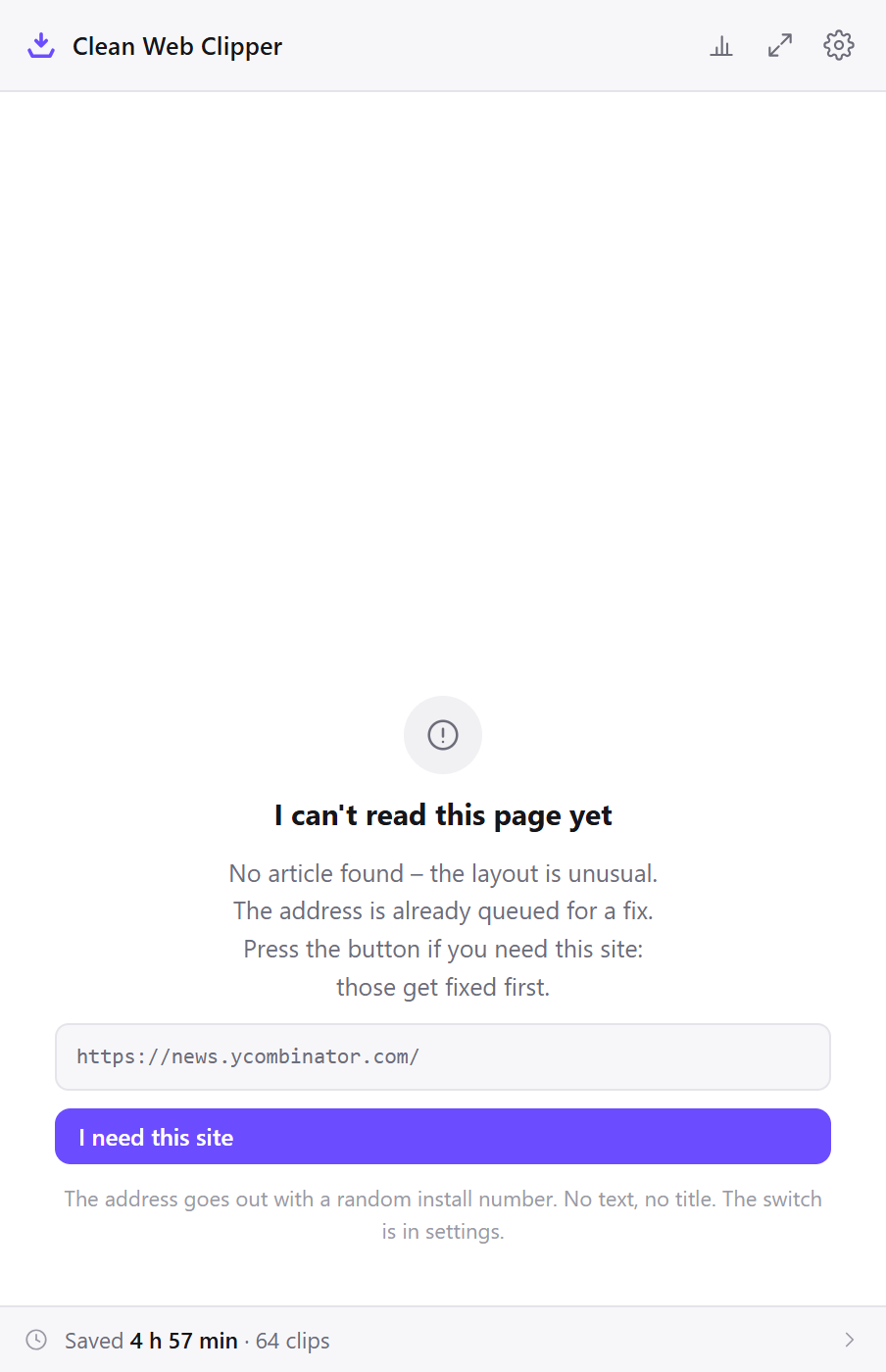
Pages built entirely from marketing blocks are the exception worth knowing about – those often have no article body, and the extension reports “no article” rather than returning a page of links. When that happens, the documentation page usually carries the same claim in a form you can actually quote.
How does it compare to the usual competitive research?
Competitive research usually means bookmarks, screenshots and a paid page-monitoring service: teams generally do the first two, occasionally pay for the third, and rarely do any of them consistently. The costs in the table are what makes consistency hard.
| How it is done now | What you get | What it costs |
|---|---|---|
| A bookmarks folder | A list of where to look | Every entry resolves to today’s page; half of them redirect within a year |
| Screenshots in a shared drive | What the page looked like | Not searchable, no date beyond the file, no way to quote a sentence |
| A page-monitoring service | Alerts when a page changes | A subscription, and it watches the pages you thought of in advance |
| Notes typed into a document | Your reading of the page | Paraphrase, not evidence; six months on nobody can tell which was which |
| Clean Web Clipper | Dated text files you can grep and diff | No monitoring and no alerts. It captures when you look, and does not watch |
What happens when a competitor page will not clip?
Four limits cover most problems with tracking competitor pages in Clean Web Clipper: a marketing page refused as mostly link labels, a changelog that paginates older entries out of view, a page with one date for the whole document rather than one per entry, or the honest ceiling that captures show something changed, not exactly when. Each comes with what a capture can and cannot tell you.
The pricing page came back as “no article”
Modern marketing pages are often built entirely from design components with no article body at all, and more than about a quarter of the extracted text ends up inside link labels and button captions. The extension refuses that rather than returning a page of fragments. The documentation or the terms page usually carries the same limits in prose, and those clip normally.
Only the newest release notes came through
Changelogs commonly paginate, or load older entries behind a “show more” control. The extension reads the DOM at the moment you clip, so what has not been loaded does not exist to capture. Expand the list first, or clip each page of the archive. The files can sit side by side in the competitor’s folder.
The individual entries have no dates
The date line holds one date for the page, taken from the page’s own metadata, not a date per entry. Where a changelog puts the date in the body text of each entry, it comes across as body text and stays readable. Where the site emits no date at all, there is no date line rather than one filled with today – and on some corpora that is common rather than rare.
I need to know when it changed, not just that it did
Clean Web Clipper cannot tell you when a page changed – there is no monitoring, no alerting and no scheduled recapture, so the resolution of your record is the frequency of your captures. A page you capture quarterly tells you a change happened within a quarter. If the timing itself is the decision, a monitoring service is the right tool and this is not.
What will it not do?
Clean Web Clipper does not watch pages for you: no monitoring, no alerts, no scheduled recapture. You clip when you look. There is no crawler and no batch mode, so a docs site is clipped a page at a time. And it does not diff for you; it produces files any diff tool can compare.
Marketing pages built entirely from design blocks with no article body may be reported as “no article”, because the extension prefers saying so to returning a page of links.
What can it track, and how?
Can I keep each competitor in a separate folder? Per-site rules do exactly that. A URL pattern gets its own subfolder and its own image setting, and it costs nothing.
Does it clip pricing pages well?
Can it tell me when a competitor changes a page?
Can I clip several tabs at once?
Is any of it paid?
Is tracking visible, shareable or risky?
Can the whole team share the corpus? Yes, and it is worth doing. The files are plain text, so a shared folder or a repository works, diffs are readable in a pull request, and nobody needs the extension installed to read what somebody else captured.